When it comes to keeping your sensitive information safe, encryption software is an essential tool. Whether you're safeguarding personal files, financial data, or communication channels, choosing the right encryption software ensures your privacy remains intact. We've rounded up the 7 best encryption software choices for 2026. Each one brings unique features, strengths, and pricing options to the table. Let's dive into the details.
1. VeraCrypt
What it is: VeraCrypt is a free, open-source disk encryption software that allows users to create secure virtual drives. It encrypts entire partitions or storage devices to keep your data safe from prying eyes.
What it does: It creates a virtual encrypted disk within a file and mounts it as a real disk, providing you with an encrypted drive for file storage. It also supports full disk encryption and partition encryption for added security.
Key Features:
- AES, Serpent, and Twofish encryption algorithms
- Supports hidden volumes for additional privacy
- Can encrypt entire drives or partitions
- Offers plausible deniability via hidden volumes
Pros:
- Open-source and free to use
- Very flexible with multiple encryption algorithms
- Offers strong security for personal and professional use
Cons:
- Can be tricky to use for beginners
- Lack of official support and a steep learning curve
Pricing: Free. It's an open-source project, so there’s no cost involved.
2. BitLocker
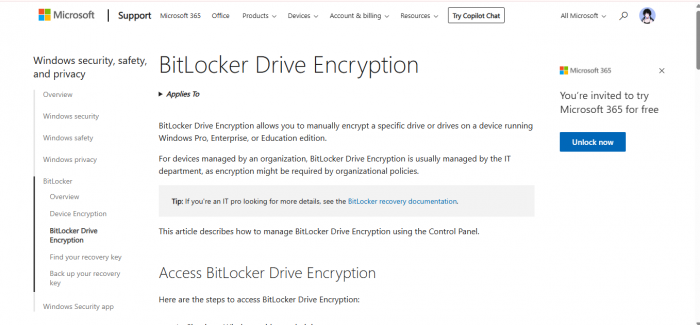
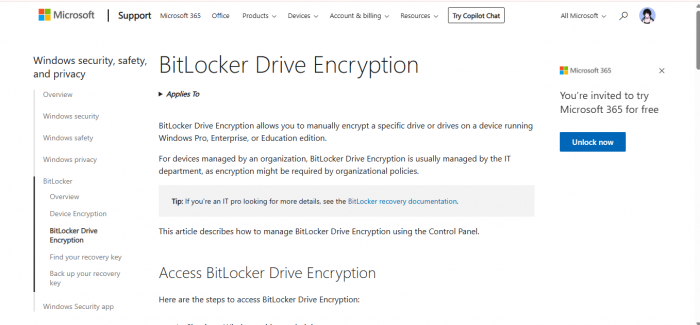
What it is: BitLocker is a built-in encryption feature in Windows that helps protect data on your hard drives from unauthorized access. It’s designed for individuals and businesses looking for a quick and easy way to secure their files.
What it does: BitLocker encrypts your entire drive, ensuring that even if your device is lost or stolen, the data remains inaccessible without the decryption key. It’s particularly helpful for safeguarding laptops and portable devices.
Key Features:
- Full disk encryption with TPM (Trusted Platform Module) support
- Seamless integration with Windows OS
- Option to encrypt specific files or drives
- Easily recover encrypted data with a recovery key
Pros:
- Integrated directly into Windows, no need for third-party software
- Easy to set up and use
- Reliable and trusted by both individuals and businesses
Cons:
- Limited to Windows devices
- May not work on older or unsupported hardware
Pricing: Included in Windows Pro and Enterprise editions, no additional cost.
3. AxCrypt
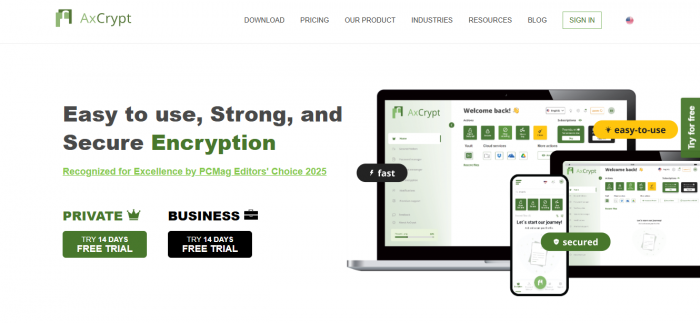
What it is: AxCrypt is a lightweight file encryption tool designed for individuals looking to protect their sensitive files with ease. It focuses on simplicity while delivering strong encryption standards.
What it does: AxCrypt encrypts individual files using AES-128 and AES-256 encryption algorithms. It also allows users to password-protect and securely share encrypted files.
Key Features:
- AES-128 and AES-256 encryption
- Easy-to-use interface for encryption and decryption
- File shredding feature to securely delete files
- Cloud storage integration for easy syncing and sharing
Pros:
- Simple and intuitive interface
- Strong encryption with AES-256
- Supports secure file sharing and cloud integration
Cons:
- Limited to file-level encryption (not full disk)
- Free version has limited features compared to the premium version
Pricing: Free basic version; Premium starts at $3.99/month.
4. McAfee Total Protection
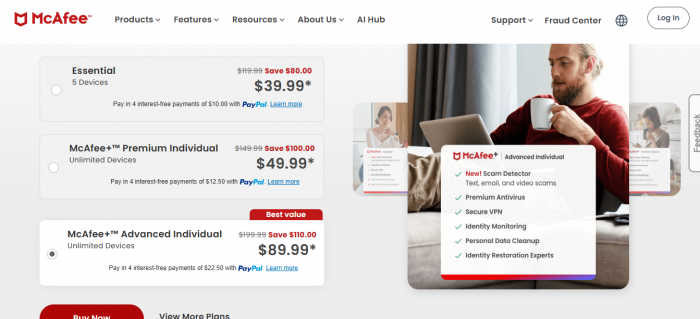
What it is: McAfee Total Protection is a comprehensive security suite that not only provides antivirus protection but also includes encryption for your sensitive data. It’s perfect for those who want all-around protection.
What it does: The encryption feature of McAfee Total Protection allows users to encrypt their important files and folders, ensuring data is protected from unauthorized access. Additionally, the suite provides tools to prevent malware, phishing, and identity theft.
Key Features:
- Full disk encryption for files and folders
- Real-time antivirus and malware protection
- Data breach protection
- Secure file and folder backup options
Pros:
- All-in-one solution for security and encryption
- Real-time protection against cyber threats
- Easy to use with no technical expertise required
Cons:
- Can be resource-heavy and slow down systems
- More expensive compared to standalone encryption software
Pricing: Starts at $39/year for a basic plan with encryption features.
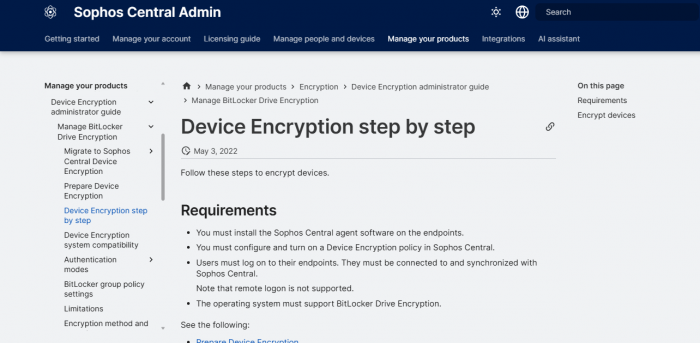
5. Sophos Central Device Encryption
What it is:
Sophos Central Device Encryption is a full‑disk encryption solution integrated into the Sophos Central security platform. It’s designed for businesses that want strong encryption with centralized management across multiple devices.
What it does:
This tool encrypts entire hard drives on Windows and macOS, helping organizations keep corporate data secure — even if devices are lost, stolen, or accessed without authorization. Because it’s managed from a cloud console, you can enforce encryption policies across your fleet without having to visit devices one‑by‑one.
Key Features:
- Full disk encryption for Windows & macOS devices
- Centralized policy and key management through Sophos Central
- Seamless integration with endpoint security tools
- Recovery key storage and audit logs for compliance reporting
Pros:
- Excellent option for businesses with large numbers of devices
- Centralized console makes management, updates, and compliance easier
- Works well alongside Sophos threat detection tools
Cons:
- Requires subscription to Sophos Central (not a standalone free tool)
- May be more than is needed for just basic file encryption on a couple of devices
Pricing:
• For a standard 1‑year subscription, prices start around $25.88 per user for small client counts and decrease to about $11.90 per user at larger volume tiers.
• Multi‑year terms (2–3 years) can offer further discounts, with 3‑year licenses dropping to roughly $26–$56 per user depending on quantity.
6. Cryptomator
What it is:
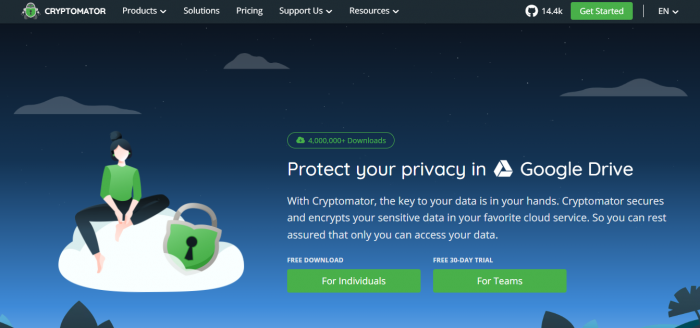
Cryptomator is a modern encryption application that lets you encrypt your cloud files locally before they sync online, so only you hold the keys to your data. It’s widely regarded as one of the best current alternatives to Boxcryptor due to its simplicity and strong open‑source security model.
What it does:
Instead of waiting for the cloud provider to encrypt your data (where they often control the keys), Cryptomator creates secure encrypted vaults on your device. Your files are encrypted with AES‑256 before being uploaded to services like Dropbox, Google Drive, OneDrive, pCloud, and more.
Key Features:
- Transparent client‑side AES‑256 encryption of files and filenames
- Works with any cloud provider that syncs to your local machine
- Open‑source and audited for transparency
- No cloud account or third‑party holds your encryption keys
Pros:
- Open‑source, you control your keys
- Strong encryption standards (AES‑256)
- No recurring subscriptions for desktop use
- Simple drag‑and‑drop vault creation
Cons:
- Mobile clients sometimes require separate purchases
- Not a full “cloud service” (it encrypts before upload but doesn’t host your files)
Pricing:
Cryptomator is free on Windows, macOS, and Linux. You can download and use it without cost. On mobile, write‑access licenses are typically one‑time purchases (e.g., around €29.99 for Android or full access on iOS), depending on platform and region.
7. Rohos Mini Drive
What it is:
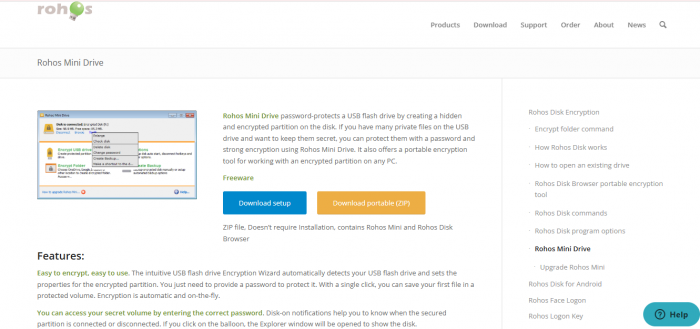
Rohos Mini Drive is an easy‑to‑use encryption tool that focuses on protecting sensitive data on USB sticks and external drives with password‑protected encrypted volumes. It’s ideal for users who want quick encryption without complex setups.
What it does:
Rohos creates a secure virtual encrypted partition on a USB drive (or internal drive) that only opens with your password. Once mounted, you can store confidential files inside it just like a normal drive, but they stay encrypted at all times when closed.
Key Features:
- Creates password‑protected, encrypted volumes
- AES‑256 encryption for strong data protection
- Works with USB sticks and external drives
- Quick setup and access with a simple password prompt
Pros:
- Extremely simple for beginners
- Strong AES‑256 encryption
- Perfect for USB drive protection
Cons:
- Limited to drive/volume encryption (no full disk)
- Windows‑centric (features limited on other platforms)
Pricing:
Rohos Mini Drive offers a free version with basic volume encryption and a paid Rohos Drive version with extended features (approx. $35–$45 for a single‑user license), depending on vendor pricing and current offers.
Final Thoughts: Which Encryption Software is Right for You?
Choosing the right encryption software depends on your specific needs. If you want a simple, free tool for personal use, VeraCrypt and AxCrypt are excellent options.
No matter what software you choose, remember that encryption is one of the best ways to protect your data from unauthorized access. Keep these options in mind, and select the one that fits your budget, technical comfort level, and security needs.
Post Comments
Be the first to post comment!
Related Articles

Millions Still Use Softonic But Should You?
Corey Robson . Feb 27, 2026