Table of Content
- Quick Overview: Top 8 AI Tools for Animation
- 1. Runway (Gen‑4 / Gen‑4.5): AI Cinematic Video Powerhouse
- 2. Pika Labs: Stylized, Fast Text‑to‑Video Animations
- 3. Adobe Firefly (Animation): AI Inside the Adobe Ecosystem
- 4. Animaker AI: Business‑Friendly Explainer Animations
- 5. DeepMotion: AI Motion Capture for 3D Characters
- 6. Vyond: AI‑Assisted Corporate and Training Videos
- 7. Cascadeur: Smart Keyframe Animation with Physics
- 8. Steve.AI : Script‑to‑Animation for Content Creators
- How to Choose the Right AI Animation Tool
- Final verdict
In 2026, AI animation tools are no longer experimental add‑ons, they sit at the core of modern video workflows for YouTubers, marketers, educators, game studios, and indie filmmakers. From text‑to‑video generation to automated motion capture, AI now helps creators turn ideas into polished animations in minutes instead of weeks. These tools don’t just save time; they open animation to non‑designers, enabling script‑to‑video explainers, 3D character performance, and cinematic sequences without deep technical skills.
In this article, we’ll look at eight of the best AI tools for animation in 2026, what they do best, and which type of creator should use them
Quick Overview: Top 8 AI Tools for Animation
| Tool | Best For | Core AI Capabilities |
| Runway (Gen‑4 / Gen‑4.5) | Cinematic, realistic video and VFX | Text‑to‑video, image‑to‑video, motion control, effects, 4K |
| Pika Labs | Short, stylized animations & social clips | Text/image‑to‑video, styles, camera moves, playful effects |
| Adobe Firefly (Animation) | 2D/3D animation inside Adobe ecosystem | Text‑to‑animation, in‑betweening, rigging assistance |
| Animaker AI | Business explainers & marketing videos | AI character animation, templates, drag‑and‑drop editor |
| DeepMotion | 3D motion capture without hardware suits | AI performance capture from video, real‑time mocap |
| Vyond | Corporate training, HR, and brand explainers | Business templates, auto lip‑sync, cloud collaboration |
| Cascadeur | Professional 3D keyframe workflows | AI‑assisted posing, auto‑physics, smart keyframes |
| Steve.AI | Fast script‑to‑animation content | Script‑to‑video, scene suggestions, AI editing for explainer videos |
1. Runway (Gen‑4 / Gen‑4.5): AI Cinematic Video Powerhouse
Runway (often called RunwayML) is one of the most advanced AI video and animation platforms, now offering Gen‑4 and Gen‑4.5 models with highly realistic motion and visual fidelity. It supports text‑to‑video and image‑to‑video, allowing you to describe a shot or upload a frame and generate fluid 5–10 second clips with cinematic motion.
Key strengths include consistent characters and environments across frames, detailed rendering (hair, textures, lighting), and tools like Trim, Restyle, Lip Sync, and 4K Upscale to refine outputs. This makes Runway ideal for filmmakers, advertisers, and creators who want cinematic AI sequences that can be edited further in traditional NLEs.
Use‑case example:
● Generate a short animated shot of “a cyberpunk city in rain, neon reflections, slow dolly shot,” then upscale to 4K and composite into a larger video project.
2. Pika Labs: Stylized, Fast Text‑to‑Video Animations
Pika Labs focuses on making short, visually engaging AI videos from text or images perfect for social media, concept clips, and stylized animations. It supports text‑to‑video, image‑to‑video, and video‑to‑video, plus style controls (realistic, cartoon, cinematic) and camera moves like pan, zoom, and rotate via simple prompt keywords.
Creators can tweak aspect ratio, FPS, and video length, and even use negative prompts like “no blurry backgrounds” to clean up results. Pika also offers playful effects (inflate, melt, squash, etc.) that can transform objects in your video for more experimental or meme‑style content.
Use‑case example:
● Turn a static character illustration into a looping animated shot with a slow zoom‑in and subtle camera pan, ready for TikTok or Instagram Reels.
3. Adobe Firefly (Animation): AI Inside the Adobe Ecosystem
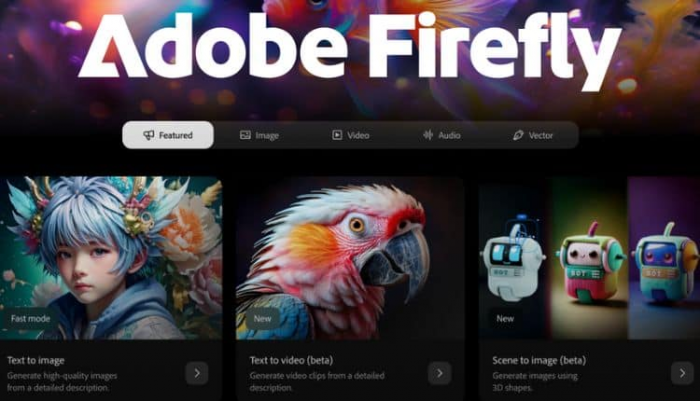
Adobe Firefly’s animation capabilities bring AI into the familiar Adobe Creative Cloud environment, targeting both 2D and 3D animation workflows. Firefly can generate animations from text or image prompts and automate traditionally time‑consuming tasks such as in‑betweening, rigging, and motion effects for characters.
Because it is integrated into Adobe tools, you can move assets between Photoshop, Illustrator, After Effects, and Firefly, creating a seamless pipeline for professional teams. This makes Firefly particularly attractive for studios and agencies already invested in Adobe licenses who want AI acceleration without changing their ecosystem.
Use‑case example:
● Import a character from Illustrator, use Firefly to auto‑rig and generate basic walk cycles, then refine timing in After Effects.
4. Animaker AI: Business‑Friendly Explainer Animations
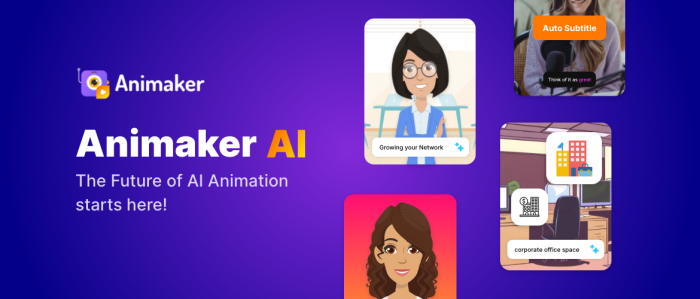
Animaker AI is built for non‑designers who want to make explainer videos, product demos, and marketing animations quickly using drag‑and‑drop tools. It combines a large template and asset library with AI character animation, enabling users to animate characters, add voiceovers, and create complete scenes without manual keyframing.
For marketers, SMBs, and educators, Animaker’s web‑based interface and pre‑built scenes significantly cut production time compared to traditional animation suites. It’s best suited for cartoon‑style 2D animations that focus on storytelling, onboarding, or feature walkthroughs rather than hyper‑realistic visuals.
Use‑case example:
● Take a product script, auto‑generate scenes using templates, add branded colors and a voiceover, and export a ready‑to‑publish explainer for your landing page.
5. DeepMotion: AI Motion Capture for 3D Characters
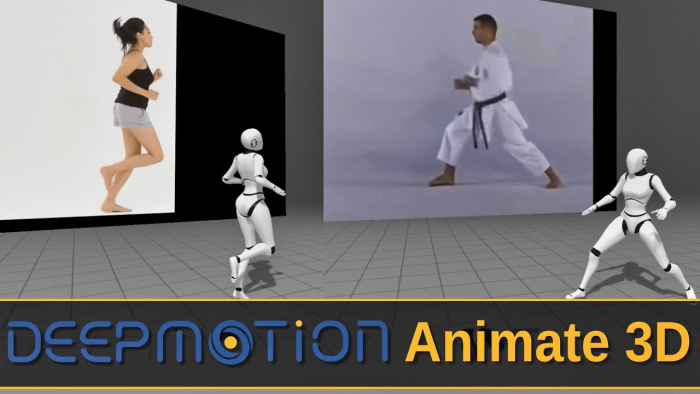
DeepMotion specializes in AI‑driven motion capture (mocap), turning 2D video of human performance into 3D character animation without expensive suits or cameras. It offers real‑time or near real‑time 3D motion capture and performance capture, making it popular among game developers, VR creators, and indie 3D animators.
By uploading footage of a person walking, dancing, or performing stunts, DeepMotion can generate corresponding 3D motion data that can be exported into engines like Unity or Unreal. This dramatically reduces the cost of capturing realistic character movement while still delivering believable animation.
Use‑case example:
● Record a simple smartphone video of an actor performing fight choreography, run it through DeepMotion, and apply the motion to a 3D hero character in your game project.
6. Vyond: AI‑Assisted Corporate and Training Videos
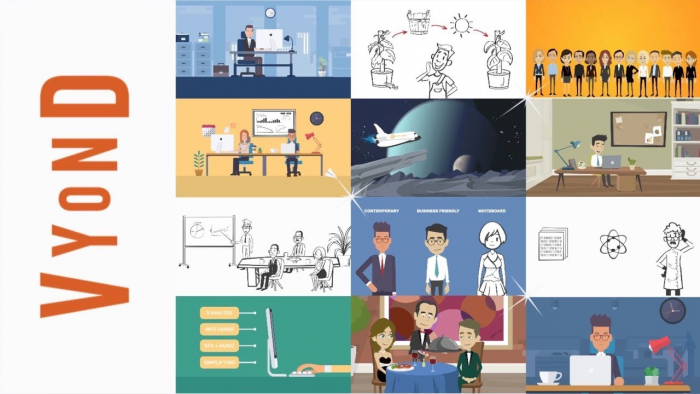
Vyond is geared towards businesses that need professional‑looking animated videos for training, HR, internal communication, and marketing campaigns. It provides business‑focused templates, character libraries, and environments, as well as voiceover syncing and cloud collaboration features.
AI comes into play in simplifying lip‑sync, scene building, and asset adjustments so non‑technical team members can contribute to video production. For organizations that regularly produce onboarding modules, micro‑learning content, or policy explainers, Vyond offers a repeatable, scalable workflow.
Use‑case example:
● HR teams can create a series of animated onboarding modules featuring a consistent character and branded visual style, with voiceovers automatically synchronized to mouth movements.
7. Cascadeur: Smart Keyframe Animation with Physics
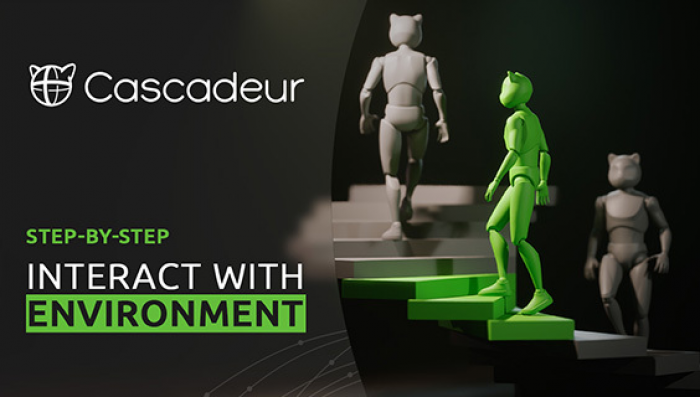
Cascadeur is a professional 3D animation tool that uses AI to speed up keyframe animation while preserving animator control. It offers AI‑assisted posing, automatic in‑betweening, and physics‑based tools that help ensure characters maintain balance, weight, and realistic motion.
Rather than fully automating animation, Cascadeur uses AI to “suggest” or refine poses and trajectories, which animators can then tweak. This approach appeals to studios and advanced freelancers who want to keep artistic control but remove much of the repetitive manual work.
Use‑case example:
● Set a few key poses for a jump or flip, let Cascadeur generate a physically plausible motion path, and then fine‑tune timing and style for your cinematic shot.
8. Steve.AI : Script‑to‑Animation for Content Creators
Steve.AI focuses on turning scripts directly into animated videos, targeting marketers, educators, and social media creators. You paste or write a script, and the AI suggests scenes, characters, and transitions, then assembles them into a complete animated video.
It also offers AI editing capabilities that can adjust pacing and visuals, making it a strong choice for users who prioritize speed over granular control of animation. This makes Steve.AI particularly effective for repurposing blog posts, training documents, or course content into video format.
Use‑case example:
● Convert a blog post on “5 ways to save energy at home” into a short animated educational video with characters, icons, and text overlays in minutes.
How to Choose the Right AI Animation Tool
Different creators will benefit from different tools, so it helps to map your needs before choosing.
● For cinematic or realistic animation: Runway is the strongest pick, with advanced Gen‑4/4.5 models and detailed motion control.
● For short social content and stylized clips: Pika Labs offers flexible prompts, camera moves, and creative effects.
● For business explainers and training: Animaker AI, Vyond, and Steve.AI provide templates and script‑to‑video features.
● For 3D and game‑level animation: DeepMotion and Cascadeur deliver mocap and physics‑aware keyframing that fit into pro pipelines.
● For Adobe‑centric workflows: Adobe Firefly integrates AI animation into the tools creative teams already use daily.
Final verdict
These eight AI animation tools clearly show that animation in 2026 is no longer reserved for big studios with massive budgets. Each platform fills a distinct gap: Runway and Pika Labs push the boundaries of cinematic and stylized AI video, while Animaker, Vyond, and Steve.AI make it practical for brands, educators, and small businesses to ship animated content at scale. Adobe Firefly, DeepMotion, and Cascadeur, on the other hand, strengthen professional pipelines by augmenting not replacing traditional workflows with intelligent automation.
Post Comments
Be the first to post comment!
Related Articles