Table of Content
- Quick Reality Check: How Each Tool Felt To Use
- 1. Synthesia – The Reliable “Operations” Engine
- 2. HeyGen – The Tool I Reached For When Deadlines Were Ugly
- 3. D‑ID – Turning Still Images Into Surprisingly Effective Faces
- 4. Colossyan – Thinking in Courses Instead of Clips
- 5. DeepBrain – When You Want a “Real Person” Without a Studio
- 6. MyEdit – Building a Visual Persona Library
- 7. DomoAI – The Tool I Used When “Corporate” Was The Wrong Vibe
- 8. Creatify – Where Avatars Become Just Another Ad Variable
- How I Actually Choose My Avatar Stack (After Using All 8)
- Final Verdict: Stop Chasing a Winner, Design a System
Over the past few months, I deliberately used eight different AI avatar tools in real projects like client training content, YouTube scripts, performance ads, and some purely experimental stuff. Rather than relying on marketing pages and feature lists, I pushed each platform until it broke: messy scripts, tight deadlines, localization, picky clients, and “can we change this one line?” requests arriving at the last moment.
What follows is how these tools actually behave once you’re inside them, fighting the clock and shipping content.
Quick Reality Check: How Each Tool Felt To Use
| Tool | My real‑world impression | Best suited for |
| Synthesia | Process‑driven, dependable, slightly rigid | Structured training, SOPs, policy videos |
| HeyGen | Fast, creator‑friendly, flexible | Marketing, social, pitches, explainers |
| D‑ID | “Upload image → talking head” in minutes | Talking mascots, chatbots, quick clips |
| Colossyan | Course‑builder mindset, localization‑ready | Onboarding, e‑learning, multi‑region teams |
| DeepBrain | Polished, serious, news‑style output | Brand spokesperson, formal announcements |
| MyEdit | Style playground for static identity | Profile photos, thumbnails, brand persona |
| DomoAI | Fun, stylised, more “character” than “host” | Storytelling, fan content, stylised edutainment |
| Creatify | Built for ad buyers, not hobbyists | Paid ads, rapid A/B testing with avatars |
1. Synthesia – The Reliable “Operations” Engine
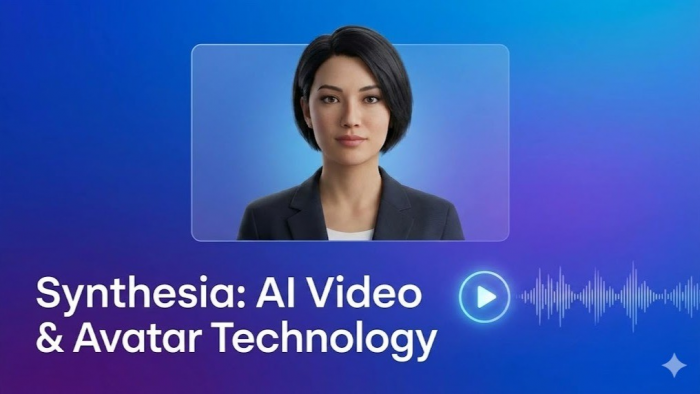
Using Synthesia felt less like using a creative tool and more like stepping into an organized production line. Once I built my first few templates, it became painfully obvious why L&D and operations teams love it.
A typical project for me started with a cluttered SOP or a slide deck. I’d bring it into Synthesia’s editor, which looks closer to a slide tool than a video timeline. That’s actually an advantage: you think in discrete scenes introduction, step‑by‑step, recap and those scenes are reusable. After the first project, I had a small library: “policy update template,” “feature walkthrough template,” “new hire welcome template.” For later videos, I almost never started from scratch; I just cloned and swapped scripts.
The avatars themselves are on the formal side. They look like people you’d expect to front a training portal, not a TikTok channel. When I created a custom avatar for a client’s internal trainer, the payoff was huge: every new module felt like the same trusted person returning, even though all I did was paste new scripts. The trade‑off is that Synthesia is not the place to improvise or get quirky. It shines when you want repeatability, structure, and the ability to hand projects off to non‑video people without drama.
My takeaway: Treat Synthesia as your “training factory.” Once the system is set, it quietly churns out consistent, on‑brand internal videos with minimal supervision.
2. HeyGen – The Tool I Reached For When Deadlines Were Ugly
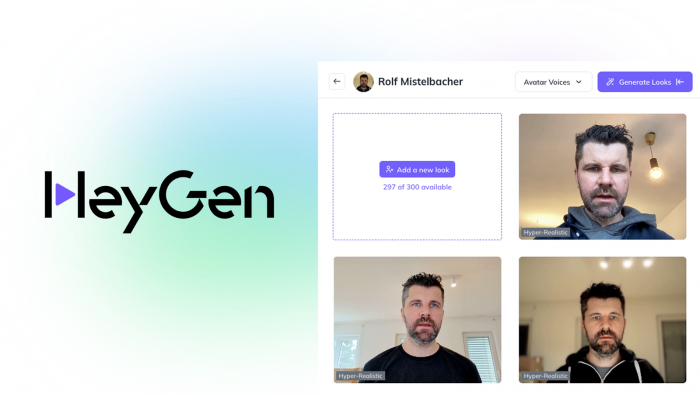
HeyGen quickly became my go‑to when I had to produce something that felt personal and marketing‑ready under time pressure. The interface has fewer knobs than a full editor, and that’s exactly why it’s fast.
The first time I used it, I recorded a short video of myself, created a digital avatar, and then abused it for weeks. Founder update? Paste the script, choose my avatar, done. Product announcement for a different market? Translate the script, switch voice and language, regenerate. I was surprised by how often I reused the same avatar across web pages, email campaigns, and even quick client updates; it essentially became my “scalable face.”
One underrated aspect: A/B testing hooks. Instead of re‑shooting lines, I experimented by slightly adjusting the opening sentence and regenerating multiple variants. This is where HeyGen feels more like a copy‑testing tool than a video editor. You move fast because the overhead of “let me record that again” disappears. The downside is that if you want cinematic staging or complex motion graphics inside the same tool, you’ll hit limits; for that, I still exported and layered things in a traditional editor.
My takeaway: When I needed something that looked like I actually sat down to record it but didn’t have the time or mental energy, HeyGen consistently saved me.
3. D‑ID – Turning Still Images Into Surprisingly Effective Faces
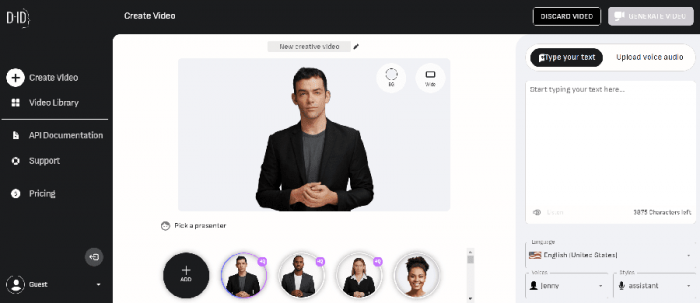
My first D‑ID experiment was almost a joke: I uploaded an illustration of a brand mascot and gave it a serious script. The result was unexpectedly usable, and that was my “click” moment.
D‑ID is brutally simple to operate. You bring a portrait (photo, AI art, character), paste text, pick a voice, and a couple of minutes later you’ve got a talking clip. For rapid prototypes, website hero sections, “talking head” explainers on landing pages, or interactive chatbot fronts, that quick turnaround is gold. I even wired one D‑ID avatar into a chatbot interface: text goes in, the avatar “speaks” the answer. People interacted longer simply because there was a face.
It’s not the tool I’d use to build a 20‑minute onboarding course, but for short bursts of personality it works well. Quality depends heavily on the base image: well‑lit, frontal, clean backgrounds give best results. When I tried odd angles or low‑quality photos, the output looked more uncanny. Once you accept that constraint, D‑ID becomes a convenient way to bring static assets to life.
My takeaway: Whenever I already had a strong image and just needed it to talk, D‑ID was the fastest route from “idea” to “usable clip.”
4. Colossyan – Thinking in Courses Instead of Clips
With Colossyan, the mindset shift was immediate. It doesn’t feel like “make a video”, it feels like “build a learning module.” Once I approached it that way, the tool made a lot more sense.
On one project, I turned an entire onboarding doc set into a structured course. Colossyan’s scene‑based editor let me build lessons as sequences: avatar introduction, bullet‑style explanation, product UI snippets, recap. Rather than ending up with a bunch of disconnected videos, I had coherent “chapters” that could be rearranged and reused. When the client later asked for a shorter version, I could trim at the scene level without re‑editing from scratch.
Localization is where it really pulled away from the pack. After we finished the English version, generating versions for other regions was closer to “script surgery” than new production. We swapped text, adjusted voice, and regenerated. The avatar, pacing, and visuals stayed consistent. Compared to manually re‑shooting with different presenters, the time saved was almost embarrassing. The only challenge was being disciplined with script structure so line lengths and timings didn’t break layouts in languages that run longer.
My takeaway: For any project that smells like a course rather than a one‑off video, Colossyan gave me a cleaner, more maintainable structure than trying to hack that inside a generic avatar tool.
5. DeepBrain – When You Want a “Real Person” Without a Studio
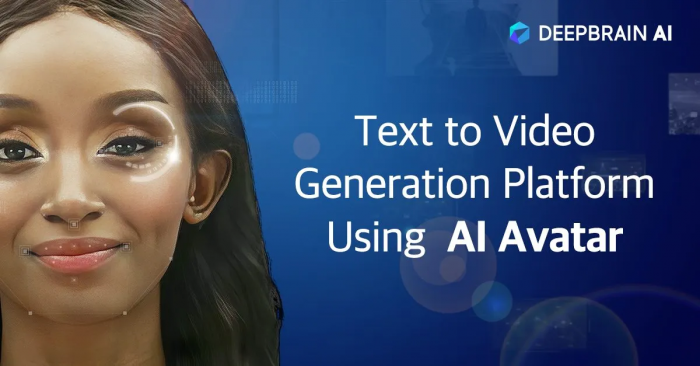
DeepBrain entered my workflow when I needed something that looked like a professional TV presenter but didn’t have the budget or time for actual shoots. It feels like a “broadcast layer” on top of your script.
The avatars here are not playful; they are deliberately polished. I used DeepBrain for serious content: market commentary, corporate announcements, formal product updates. In those contexts, the avatar’s realism works in your favor, it reads as a credible host. Clients often reacted with “Wait, that’s not a real person?” which is precisely the reaction you want when you’re aiming for a news‑like tone.
Face‑swap and cloning features gave me an interesting advantage. For one brand, we created a digital version of their spokesperson once and reused that face in different settings over time: investor updates, product releases, quarterly summaries. Instead of flying them into a studio every time, I just rewrote scripts and generated new segments. It became a virtual anchor for the brand. You do need to stay within certain style boundaries; DeepBrain is happiest in clean, studio‑like setups, not wild, stylised visuals.
My takeaway: When I needed an avatar that could plausibly front a news channel or formal company update, DeepBrain gave me that “anchor” feel more convincingly than most others.
6. MyEdit – Building a Visual Persona Library
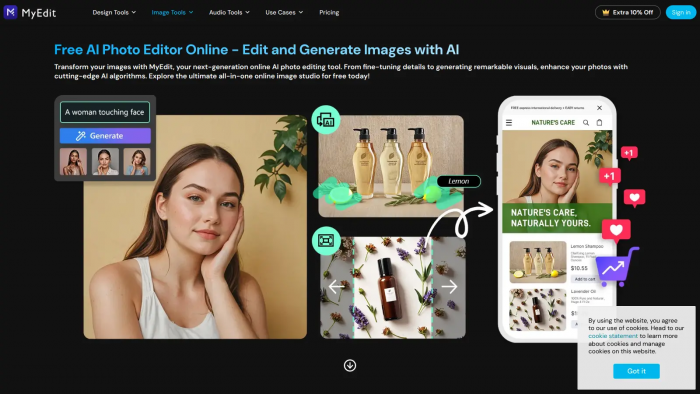
MyEdit was the one tool that changed how I think about profile images. I stopped treating avatars as single pictures and started thinking in terms of sets.
I fed it a batch of my own selfies and played with different style packs: professional, cinematic, slightly artsy, and a few more experimental looks. Instead of one magic shot, I exported a small library – the kind of thing you’d normally commission from a photographer and designer over multiple sessions. Then I distributed them: a more formal portrait on LinkedIn, a slightly punchier one for YouTube thumbnails, and more stylised versions for social and blog author bios. Because they all came from the same base training, they felt like different moods of the same person, not random inconsistent pictures.
Another pleasant surprise was how well MyEdit avatars worked as raw material for other tools. Some of the stylised portraits became the base images I later animated in tools like D‑ID. That two‑step process design identity first, then add motion elsewhere gave me more control than relying on a single platform to do everything.
My takeaway: If you’re willing to treat your avatar as a core brand asset, MyEdit is an efficient way to craft a consistent visual identity that you can reuse and remix everywhere.
7. DomoAI – The Tool I Used When “Corporate” Was The Wrong Vibe
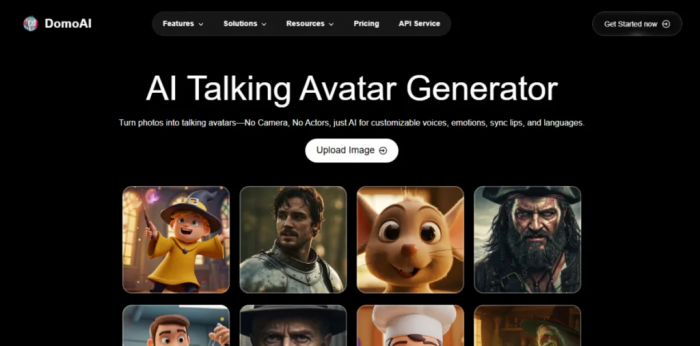
Whenever I tried to push corporate‑style avatar tools into anime, gaming, or fandom‑adjacent content, something felt off. That’s where DomoAI came in. It embraces stylised motion and character‑driven visuals instead of chasing photorealism.
I used it for experimental explainers and short stories where a realistic presenter would have broken immersion. Starting from character art, sometimes my own, sometimes AI‑generated, I used DomoAI to inject motion and personality. The resulting clips felt more like animated segments than “AI person talking,” which is exactly what I wanted. Viewers were more forgiving of occasional quirks because the whole aesthetic signaled “cartoon world,” not “this is a real human, trust them.”
For educational content aimed at younger or more creative audiences, this style landed far better. A stylised chemistry “guide character” or gaming‑themed narrator is easier to love than a business‑casual presenter reading from a teleprompter. You do have to lean into experimentation; the first output isn’t always perfect, but exploring styles is part of the fun.
My takeaway: Whenever I wanted the avatar to feel like a character with its own universe rather than a presenter in a studio, DomoAI was the natural choice.
8. Creatify – Where Avatars Become Just Another Ad Variable
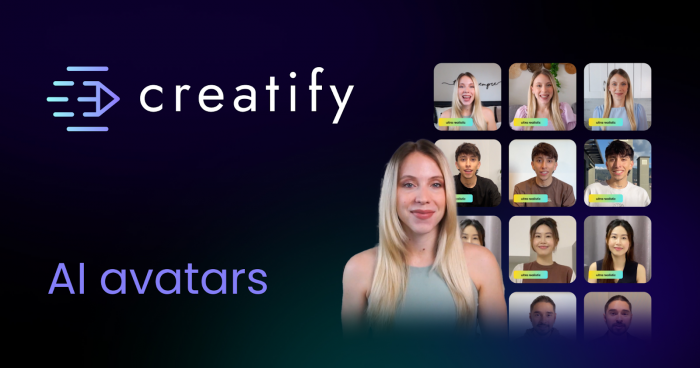
Creatify felt different from the moment I logged in. The entire environment is designed for people who live in ad dashboards, not editing suites. It’s less about “make one perfect video” and more about “generate a batch and see what wins.”
On a performance campaign, I used Creatify to create multiple ad variants from the same core idea. I played with different hooks, swapped avatars (friendlier vs more serious personas), changed languages, and rendered vertical and horizontal versions in one go. Instead of arguing internally about which combination would convert, we simply tested them all. Within a few days, the data started to make decisions for us.
The real advantage is mental: when it’s this easy to produce variants, you stop being precious about each individual ad. Avatars become a controllable variable, no different from headline text or button color. Some will flop, some will carry the campaign, and that’s fine. If your mindset is more artisanal, you might find this a bit ruthless. But if you’re buying media at scale, this is exactly the ruthlessness you need.
My takeaway: Creatify is the only avatar tool I used that truly felt “built for media buyers.” If ROI dictates your creative decisions, this fits naturally into that world.
How I Actually Choose My Avatar Stack (After Using All 8)
After cycling through all eight tools in real projects, I stopped asking “Which is the best AI avatar platform?” and started asking three more practical questions before picking anything:
1. Is my avatar supposed to teach, sell, host, or entertain?
● Teach: I defaulted to Synthesia and Colossyan because their structure and localization support kept courses sane.
● Sell: HeyGen and Creatify handled pitches, promos, and performance testing without bogging me down.
● Host: DeepBrain and D‑ID were my go‑tos for spokesperson‑style, face‑led segments.
● Entertain/Express: MyEdit and DomoAI gave me room to create identities and characters that didn’t feel corporate at all.
2. Who is actually going to maintain this content in six months?
● Non‑video folks in HR or ops? They were happiest in “slide‑like” editors such as Synthesia and Colossyan.
● Marketers and creators who like to experiment? They gravitated toward HeyGen, Creatify, and D‑ID, where iteration is fast.
● Solo creators and small teams? Static identity builders like MyEdit plus a flexible tool (HeyGen or D‑ID) was often enough.
3. Do I need one avatar or an ecosystem of faces?
● For brands, a serious “anchor” avatar in DeepBrain or Synthesia, plus a more casual marketing avatar in HeyGen or Creatify, worked well.
● For creators, a consistent visual identity via MyEdit, animated occasionally via D‑ID or DomoAI, gave them a recognizable persona without constant filming.
In practice, I rarely used just one tool across everything. A typical stack looked like this: Synthesia or Colossyan for internal training, HeyGen or Creatify for external campaigns, and MyEdit or DomoAI for the visual personality layer. Each tool played a role in a larger content system rather than fighting to be “the one platform to rule them all.”
Final Verdict: Stop Chasing a Winner, Design a System
After using these tools in real workflows, one thing becomes clear: asking “Which single avatar tool should I use?” is the wrong question. A better approach is to build a simple system where each tool handles one task well. Organize your content into lanes such as training, campaigns, social, and branding and assign one or two tools to each instead of relying on a single platform for everything.
Think of avatars as reusable infrastructure rather than one-off experiments. Create templates, scripts, and brand guidelines around them so your workflow becomes consistent and scalable. Over time, this setup helps you produce more content across formats and languages with far less effort. At that point, the focus shifts from choosing the “best” tool to finding the right combination that gives you maximum control with minimal friction and that’s when AI avatars become a real advantage.
Post Comments
Be the first to post comment!
Related Articles