Table of Content
- Where Opus Clip works and where it gets in the way
- Tools that put clip quality first
- Tools that respect the whole repurposing workflow
- Tools that understand podcasts and interviews better
- Tools that keep the “Opus vibe” but adjust the experience
- Tools that start from ideas instead of long videos
- Tools that win on price when you publish at volume
- Full editors that also happen to clip
- How to decide which Opus Clip alternative to try first
Opus Clip did something smart: it turned a painful, manual job into a button click. You drop in a long YouTube video, podcast, or webinar and it gives you a batch of short clips. For a while, that feels like magic.
Once you start publishing consistently, you begin to see the limits. Some clips feel random, pricing hurts when you scale, and the workflow does not always match how you like to work. At that point, the real question is not “what else looks like Opus Clip” but “what kind of clipping experience do I actually want.”
This guide covers the Opus Clip alternatives that creators and teams are actually using in 2026, and what each is genuinely better at.
Where Opus Clip works and where it gets in the way
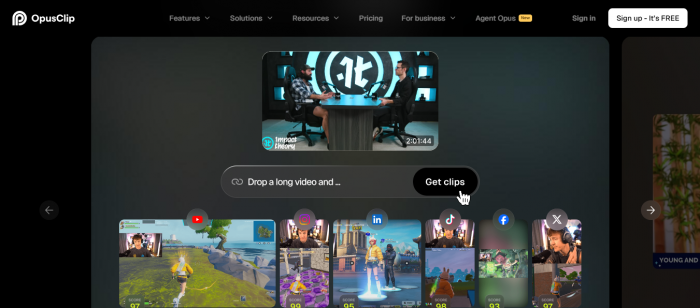
Before comparing tools, it helps to be clear on what Opus is and is not.
What Opus Clip gets right:
- Quick way to test the idea of turning long content into multiple shorts.
- Simple interface that does not demand an editor’s mindset.
- Good entry point into AI clipping for beginners.
Where people start to feel friction:
- Many clips start or end at odd points, which hurts watch time.
- Important moments are sometimes missed or cut in a way that kills context.
- Subscription and per minute costs become a problem once you clip at scale.
- The tool lives in its own world more than in your existing editing stack.
Each alternative below is strong because it fixes one or more of those issues.
Tools that put clip quality first
Some tools clearly decided that finding the right moments matters more than generating a huge number of clips.
WayinVideo - focus on better moments, not just more clips
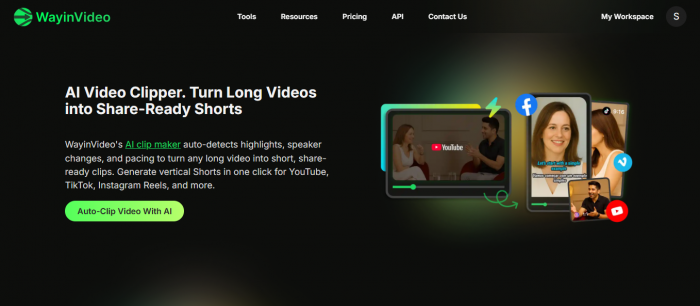
WayinVideo spends more effort understanding the content before making cuts. It focuses on:
- Starting clips on complete thoughts, not half sentences.
- Ending clips at natural beats, not random pauses.
- Reducing filler clips that nobody would actually publish.
This kind of tool feels more deliberate. Instead of sifting through 20 half baked clips, you get fewer but stronger options that are closer to real hooks.
Tools that respect the whole repurposing workflow
For many teams, finding clips is only step one. They also need captions, branding, resizing, and distribution.
Vizard - long form in, platform ready content out
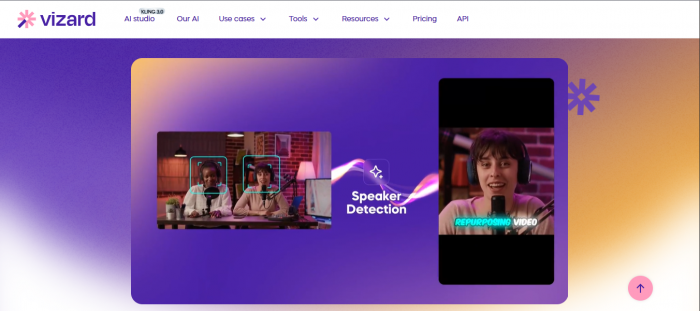
Beyond clipping, Vizard helps you:
- Add styled captions and overlays that match your brand.
- Convert horizontal recordings into vertical or square formats correctly.
- Export in presets tuned for TikTok, Reels, Shorts, LinkedIn and more.
This reduces the number of separate tools you need. Instead of Opus for clips, another app for captions, and another for resizing, you can keep most of the work inside one environment.
Reap - repurposing across languages and platforms
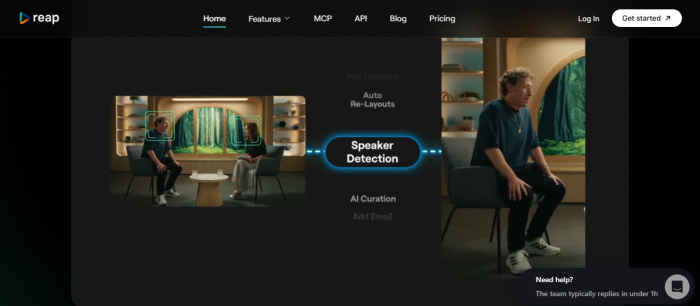
Reap targets teams that publish globally. It offers:
- Intelligent clip selection that tries to preserve context.
- Subtitles and translations for multiple languages.
- Tools for planning and scheduling short form content across platforms.
If you are already thinking about “how do we make this clip work in three languages and on five platforms” then Reap type solutions cover more of that pipeline than Opus alone.
Tools that understand podcasts and interviews better
Many clipping tools are built with webinars and monologues in mind. Podcasters and interview shows need a slightly different skillset.
LiveLink - built with podcast creators in mind
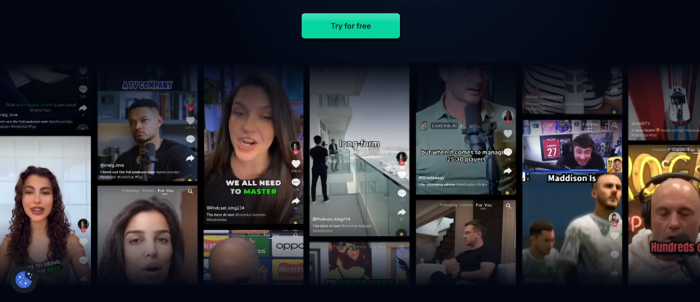
LiveLink focuses on:
- Long format conversational recordings.
- Natural back and forth moments that work as stand alone clips.
- A workflow tuned for turning episodes into social teasers.
Layouts, clip suggestions and exports are all shaped by podcast style content rather than generic talking head videos.
Riverside - record and clip in the same place
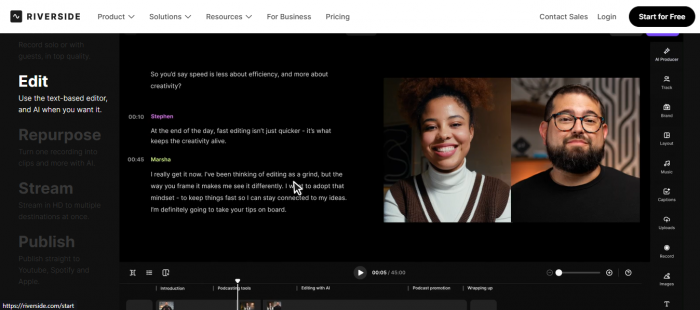
If you already record in Riverside, its Magic Clips feature is a very practical Opus alternative because:
- Recording and clipping happen in the same tool.
- You do not need to export full files and upload them elsewhere.
- Clips can be adjusted in a familiar editor used for the main episode.
This reduces friction. For many hosts, fewer moving parts is more important than having a separate dedicated clipping brand.
Tools that keep the “Opus vibe” but adjust the experience
Some creators like the core Opus idea but want different pricing, slightly different features, or tweaks to how clips are prepared.
Chop - clipping plus scheduling
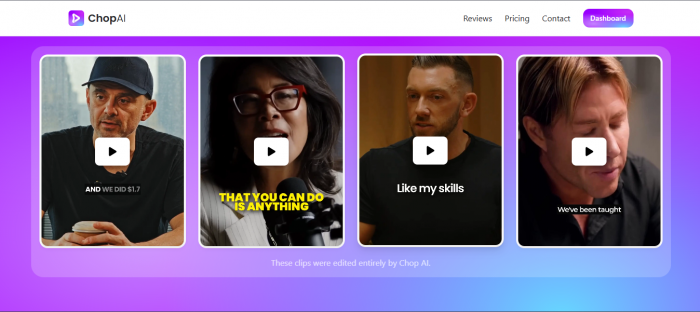
Chop follows a familiar pattern:
- Automatically finds interesting moments in your long video.
- Lets you tweak the clips in a simple interface.
- Adds built in scheduling so you can publish directly to platforms.
For solo creators and small teams, the ability to go from raw video to scheduled content in one place can be a significant time saver.
Flowjin - clips and copy as one package
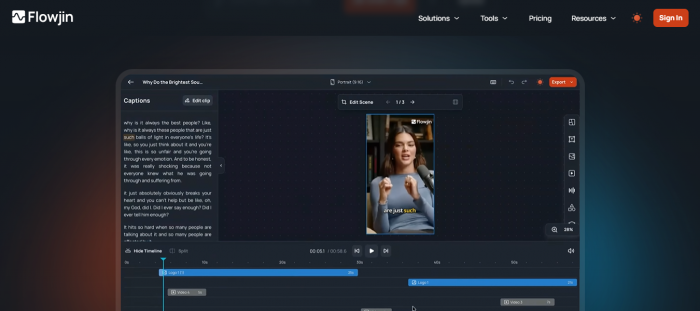
Flowjin is appealing if you do not just need video but also text. It can:
- Identify engaging moments.
- Generate captions, titles and descriptions that fit each clip.
- Help you ship both the video and the post text without a separate writing pass.
This hits the sweet spot for creators who want “clips plus social copy” more than endless editing options.
Submagic - clipping with strong captions and effects
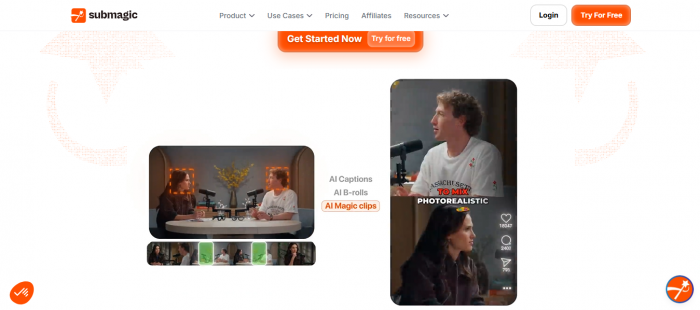
Submagic pairs decent clipping with very stylised captions and visual effects. It focuses on:
- Fast auto captions that match short form pacing.
- Emphasis and highlight tools for key phrases.
- Visual styles that feel native to TikTok and Reels.
Here the goal is not subtlety. It is attention. If you spend more time designing caption styles than picking shots, Submagic type tools will feel very familiar
Tools that start from ideas instead of long videos
Not every creator begins with a long recording. Some start with ideas, hooks or scripts and only then generate short content.
Mirra - from concept to clip

Mirra and similar platforms work well when your process looks like:
- Write an idea, hook or short script.
- Let the tool turn that into a short form video concept and visual.
- Publish or refine the generated assets.
For content marketers who rarely have an hour long video to clip, but still want regular shorts, this route is more natural than Opus’s “long in, short out” model.
Tools that win on price when you publish at volume
Once you start clipping hundreds or thousands of minutes each month, effective cost per minute becomes the deciding factor.
Ssemble and other cost focused platforms
Pricing focused alternatives usually offer:
- Lower cost per input minute at similar clip quality.
- Plans designed for teams or agencies where multiple people work on content.
- Enough AI to replace Opus for the majority of clipping tasks.
Full editors that also happen to clip
Some creators do not want a separate clipping tool at all. They prefer a full online editor that includes AI clipping as just one feature.
VEED, Simplified and similar suites
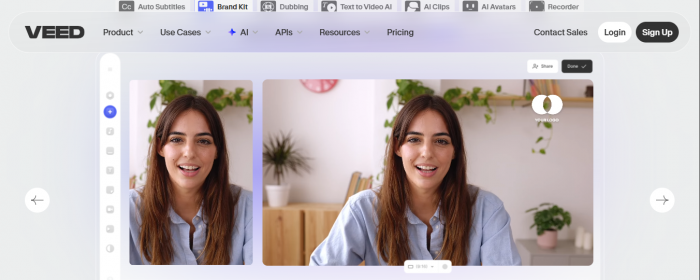
These editors offer:
- Timelines, overlays, B roll and audio tools for complete edits.
- AI helpers such as clip suggestions, subtitles and script writing.
- Brand kits, templates and collaboration features.
For this crowd, Opus is just one extra hop. Moving to an editor first tool means they can keep everything from first cut to final render under one roof and use AI only where it makes sense.
How to decide which Opus Clip alternative to try first
To make this article genuinely useful, close with direct scenarios rather than abstract advice.
- When you mostly like Opus but wish the clip choices were better
Look at WayinVideo or Vizard. Both spend more effort on context and give you better tools to polish AI suggestions. - When you are drowning in extra steps after clipping
Vizard and Reap are stronger fits. They reduce the number of separate tools needed for captions, formats and distribution. - When your world revolves around podcasts and interviews
LiveLink and Riverside feel more natural because they are built around conversational content and often handle recording too. - When you want a similar workflow with different flavour
Chop, Flowjin and Submagic keep the upload to clips pattern, but add their own twists on scheduling, copy and styling. - When cost is the main concern because you work at volume
Ssemble and other budget focused platforms are worth a small trial, especially if you work as a team. - When you want editing first with AI as a helper
Try an editor suite like VEED or Simplified. Use their clipping features but keep your main focus on having one consistent editing home.
You do not need to install every Opus competitor to know what suits you. Pick the one that matches the specific frustration you already feel, run it on the same source video you used in Opus, and compare the experience. The right alternative is the one that makes you say “this feels closer to how I actually like to work,” not just the one with more features on a landing page.
Post Comments
Be the first to post comment!
Related Articles