Table of Content
- How These Eight Tools Stack Up at a Glance
- Midjourney: When Output Quality Is the Only Metric That Matters
- DALL-E 3: The Most Reliable Interpreter of Complex Prompts
- Stable Diffusion: Full Control for Users Who Actually Want It
- Krea AI: Real-Time Generation Changes How Ideation Feels
- Cuty AI: For Workflows That Move From Still to Motion
- Ideogram: The Only Tool That Takes Text in Images Seriously
- Canva AI: When Speed and Simplicity Outweigh Everything Else
- Dreamina AI: The Closest Structural Match to SeaArt
- Which Tool Fits Which Need
There is a specific moment most creative users hit with SeaArt AI. The platform has been genuinely useful. Image generation, model variety, editing basics, early video features, all of it conveniently packaged in one place. Then a project arrives that demands more than convenience. Maybe it is a client campaign that needs visuals that look like they came from a professional studio. Maybe it is a motion piece that starts as a static concept and needs to end as a short video. Whatever the trigger, the workflow starts to feel like it is bumping against a ceiling.
That is not a failure of SeaArt. It is the natural limit of breadth-first platforms. They are excellent starting points and genuinely poor finishing lines for specialised work. The eight tools below are not here to replace SeaArt entirely. Each one pushes much deeper into a specific part of the creative process than SeaArt was ever designed to reach.
How These Eight Tools Stack Up at a Glance
| Tool | Best For | Free Plan | Starting Price |
| Midjourney | Artistic quality and visual refinement | No | $10/month |
| DALL-E 3 | Prompt accuracy and text in images | Via ChatGPT free tier | $20/month (Plus) |
| Stable Diffusion | Full technical control and local deployment | Yes (open source) | Free |
| Krea AI | Real-time generation and interactive editing | Yes (100 units/day) | Paid tiers available |
| Cuty AI | Image to video workflow integration | Limited | Varies |
| Ideogram | Typography and text-in-image accuracy | Yes | Paid tiers available |
| Canva AI | Speed and accessibility for everyday design | Yes | $15/month (Pro) |
| Dreamina AI | Balanced all-in-one image and video creation | Yes | Paid tiers available |
Midjourney: When Output Quality Is the Only Metric That Matters
.webp)
Midjourney does not ask much of you technically. You write a prompt, and what comes back is often closer to finished artwork than anything you would normally call a first draft. That is its single defining quality: the gap between what you type and what looks genuinely professional is smaller here than almost anywhere else.freeacademy+1
Version 7 rebuilt the model from scratch with a focus on artistic coherence, meaning it holds a consistent visual style, lighting logic, and compositional balance across the whole image rather than just rendering isolated elements well. Photorealism has also improved to the point where it regularly competes with dedicated photo-generation tools.
What Midjourney trades for that quality is control. You cannot tune model parameters, run custom LoRA training, or deploy it locally. If you need the output to look exactly like something specific, you will write several prompt variations and work iteratively. If you need a tool that produces work you would confidently show a client without heavy editing, this is the strongest option in the category.freeacademy+1
Best fit: concept art, brand visuals, editorial illustration, any work where aesthetic quality carries more weight than precise specification.
DALL-E 3: The Most Reliable Interpreter of Complex Prompts
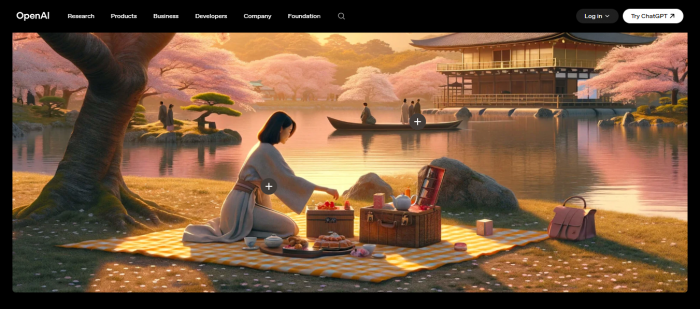
DALL-E 3 earns its place not through the most dramatic visual output but through something less glamorous and more practically useful: it does what you ask, consistently. When a prompt contains multiple specific elements that all need to appear correctly in a single image, DALL-E 3 handles that combination better than most alternatives.creativebloq+1
It also currently leads the category in text rendering accuracy, sitting at 92% accuracy in recent benchmarks compared to 82% for Midjourney V7 and 70% for Stable Diffusion 3.5. For anyone creating social ads, thumbnails, posters, or branded visuals where words need to appear legibly inside the image, that difference is not a minor detail.
The integration with ChatGPT makes it the most frictionless of the major generators. There is no Discord server, no separate interface, no learning curve. The speed is also worth noting: generation at 1024x1024 takes roughly 10 to 15 seconds, faster than Midjourney's standard mode.freeacademy+1
Best fit: marketing assets, structured compositions, content where text accuracy matters, users who want professional results without a steep setup process.
Stable Diffusion: Full Control for Users Who Actually Want It
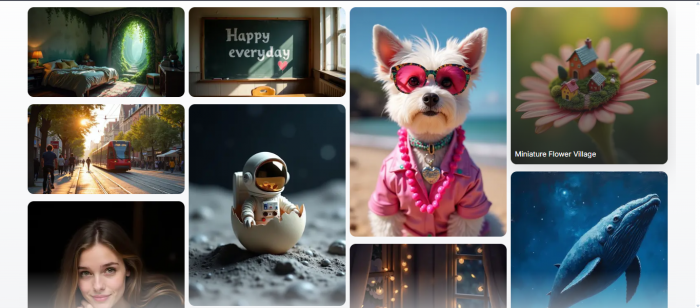
Stable Diffusion is in a different category from the others listed here, not because it produces better outputs by default, but because it removes the ceiling entirely for users willing to work at the technical level. You can run it locally on your own hardware, train custom models on your own data, apply LoRA fine-tuning, use ControlNet for precise pose and depth guidance, and build automated batch workflows inside ComfyUI.aloa+1
That level of customisation makes it uniquely suited for niche applications where no existing model quite fits your subject matter, and for teams that need to own their pipeline rather than depending on a cloud platform's rules, uptime, or pricing.creativebloq+1
The honest trade-off is accessibility. Getting Stable Diffusion running well requires time, technical knowledge, and ongoing maintenance. The visual floor is also lower than Midjourney or DALL-E 3 when using default settings, though the ceiling is higher once you know what you are doing.
Best fit: developers, technical creatives, researchers, and studios that need full pipeline ownership and deep model customisation.
Krea AI: Real-Time Generation Changes How Ideation Feels
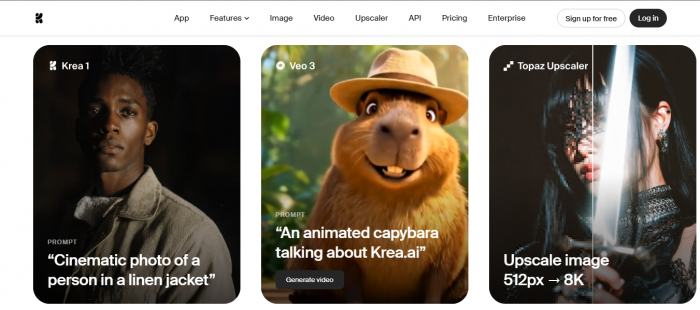
Krea AI's standout feature is something most image generators do not attempt: real-time generation. As you adjust a prompt or sketch on the canvas, the image updates live rather than making you submit a request and wait for a fresh result. For designers and concept artists used to sketching iteratively, this changes the feel of working with AI significantly. It becomes a dialogue rather than a submission process.gstory+1
Beyond the real-time engine, Krea pulls in over 64 models in one subscription, including Flux, Ideogram, Veo 3, Runway, and its own Krea 1 model engineered for ultra-realistic outputs. The upscaler enhances images up to 22K pixels and videos up to 8K with frame interpolation up to 120fps, which is unusually powerful for a platform that also offers a free tier.gaga+1
Krea also includes LoRA fine-tuning from just a few reference images, letting users train a custom model around a face, product, or visual style without a complex technical setup. With over 30 million users across 191 countries, it has grown quickly from a niche real-time tool into a comprehensive creative suite.comparateur-ia+1
Best fit: visual ideation, concept development, users who want one subscription covering multiple models with real-time interactivity.
Cuty AI: For Workflows That Move From Still to Motion
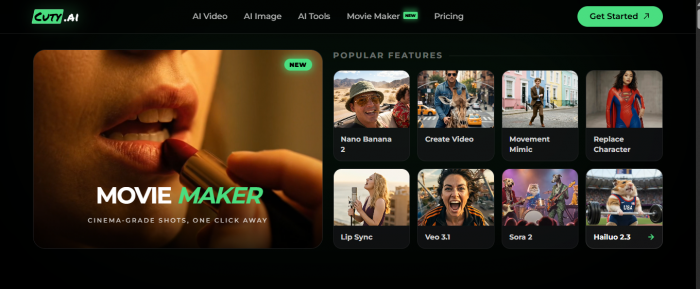
Cuty AI sits at the intersection of image generation and short video creation. Instead of treating these as separate tasks requiring separate platforms, it allows users to build a visual concept and animate it within the same environment. For content creators and marketing teams who regularly produce material for short form video platforms, that continuity reduces a lot of the friction involved in switching between tools.nextool+1
It does not compete with Midjourney on visual artistry or with Stable Diffusion on technical depth. What it offers instead is workflow efficiency when the output format requires motion and the team does not have time for a complex multi-tool pipeline.
Best fit: social media content creators, marketing teams producing short form video ads, creators who want static-to-motion production in one place.
Ideogram: The Only Tool That Takes Text in Images Seriously
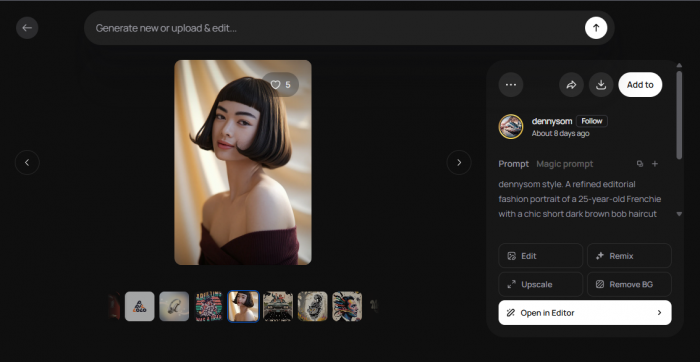
Text rendering has been one of the most persistent weaknesses in AI image generation. Most platforms produce words that blur, break apart, or come out as convincing-looking nonsense. Ideogram was built specifically to fix that.eweek+2
It generates images where typography appears correctly, legibly, and naturally integrated into the composition. For advertising creatives, thumbnails, event posters, branded social content, and anything else where words are part of the visual message, this is not a bonus feature. It is the entire reason to use the tool.
Its scope is narrower than a general purpose generator, but within that scope it performs at a level the others simply do not match. Ideogram 3.0 has recently been benchmarked against GPT-4o native image generation and Krea 1, holding its own specifically on text and graphic design tasks.
Best fit: advertising designers, thumbnail creators, anyone making branded visuals where text must appear accurately inside the image.
Canva AI: When Speed and Simplicity Outweigh Everything Else
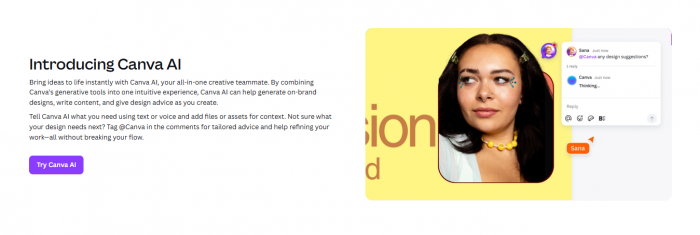
Canva AI does not compete on generation depth or customisation. It competes on something different: the ability to go from brief to finished, shareable output in the shortest possible time, with no technical knowledge required.g2+1
Its generative features sit inside a design environment most people already know. You can generate an image, drop it into a template, add text, resize for different platforms, and export, all without leaving the interface. For individuals, small teams, and non-designers working on everyday marketing tasks, that simplicity carries genuine value.
G2 currently lists Canva as the top overall alternative to SeaArt AI, which reflects how broadly it covers general design and content needs even if it never goes as deep as any specialist tool.
Best fit: non-designers, small businesses, social media managers, teams that need fast, polished everyday content without a learning curve.
Dreamina AI: The Closest Structural Match to SeaArt
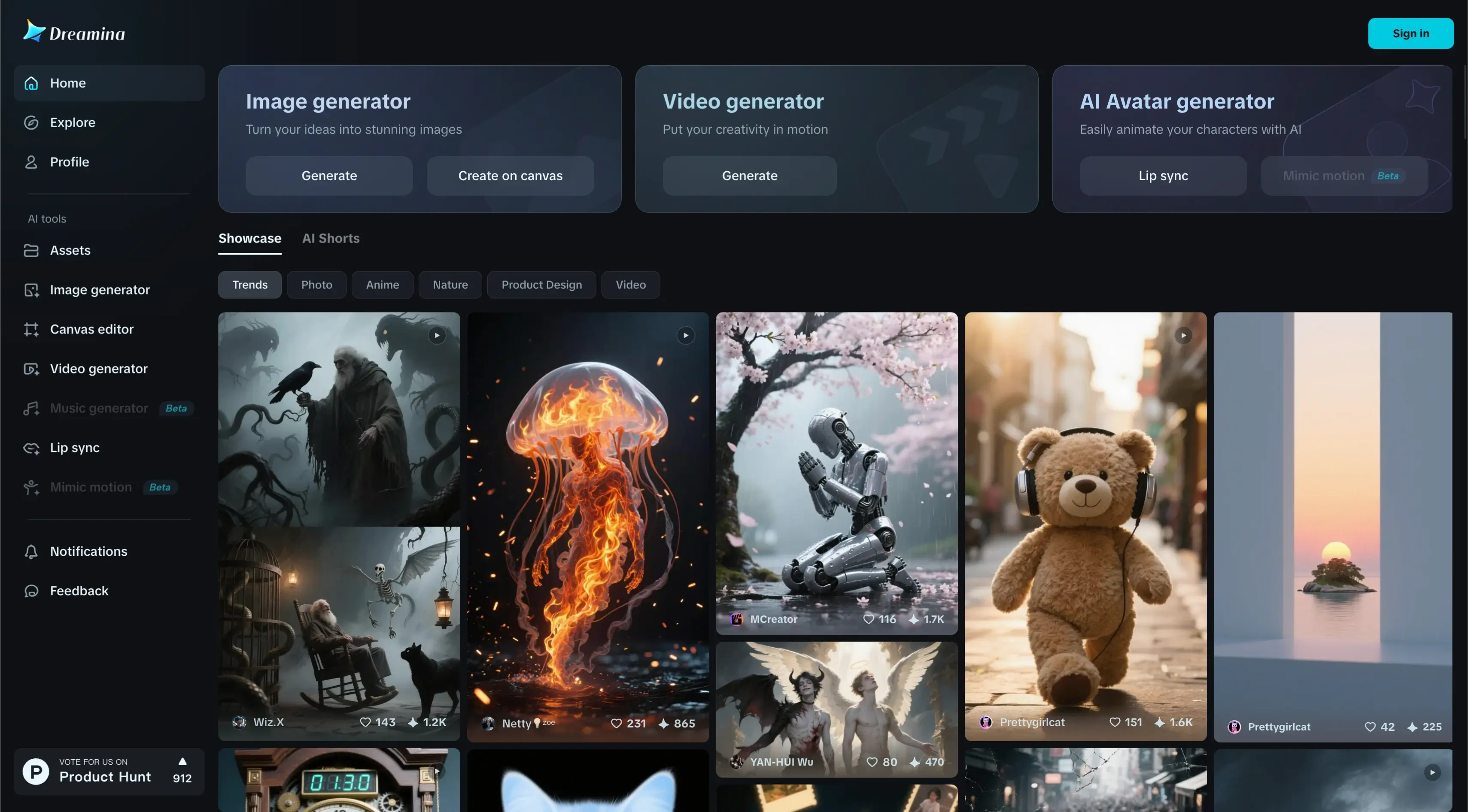
If you use SeaArt because of its all-in-one structure and are not specifically looking to specialise but just want a more refined version of that experience, Dreamina AI is the most direct comparison.aitoologist+1
It combines image generation, editing tools, and video creation in a single platform, similar to SeaArt in its multi-capability design. The difference is in execution: Dreamina leans more toward structured content creation workflows, particularly short-form video and visual storytelling, and its integration between image and video output is tighter. Model variety is slightly narrower than SeaArt, but the platform feels more purposeful in how it connects different creative steps.
Best fit: content creators who want a polished all-in-one system without giving up the convenience of having everything in one place.
Which Tool Fits Which Need
Every platform listed here is a sharper instrument for a specific job. SeaArt works because it covers many jobs moderately well. These tools work because they cover fewer jobs exceptionally well.
| Creative need | Strongest option |
| Highest visual quality and artistry | Midjourney |
| Most accurate prompt interpretation | DALL-E 3 |
| Full technical control and customisation | Stable Diffusion |
| Real-time interactive creative workflow | Krea AI |
| Image-to-video production pipeline | Cuty AI |
| Text rendering inside images | Ideogram |
| Fast, accessible everyday design | Canva AI |
| All-in-one image and video creation | Dreamina AI |
The decision is not about which tool is best overall. It is about which part of your workflow is currently the weakest link, and which platform was built to make that specific part much stronger.
Post Comments
Be the first to post comment!
Related Articles