Collecting customer feedback is key to improving products, services, and overall customer satisfaction. Manual processes like spreadsheets or Trello boards can miss critical insights. The right customer feedback software helps you gather, analyze, and act on feedback efficiently, turning user insights into actionable strategies that grow your business.
Why Use Customer Feedback Software?
Customer feedback software helps you:
● Collect insights from multiple channels – surveys, in-app forms, emails, QR codes, kiosks, and even AI-powered prompts.
● Track customer sentiment – NPS, CSAT, CES, and open-ended responses.
● Prioritize features and improvements – gather requests, upvotes, and ideas to guide product roadmaps.
● Analyze behavior – session replays, heatmaps, funnels, and behavioral tracking.
● Close the feedback loop – ensure issues are addressed and users see their input matter.
Proper feedback management prevents lost insights, improves user experience, and helps your business grow faster.
Top 10 Customer Feedback Tools for 2026
1. Frill – Best for SaaS Feature Requests
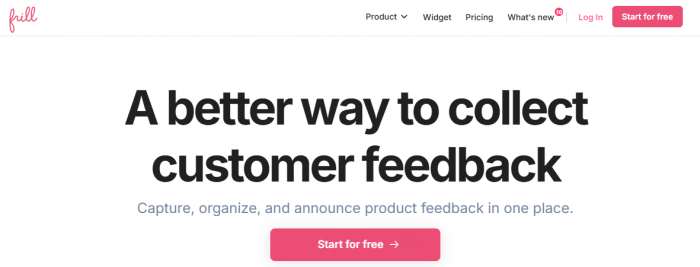
Frill is ideal for SaaS teams that want to collect, prioritize, and share product ideas with users. It combines a feedback board, roadmap, and announcement tool in one platform.
Key Features:
● Idea boards with voting, comments, and duplicate detection
● Public roadmap for transparency
● Surveys: NPS, CSAT, open feedback
● Integrations with Jira, Slack, Intercom, Trello
Pros: Simple, visually clean, great for startups and growth-stage teams
Cons: Larger enterprises may need advanced reporting and role-based permissions
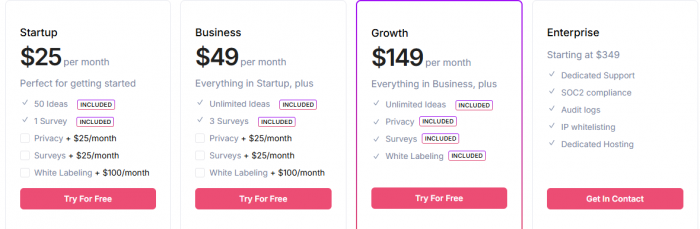
Pricing: Starts at $25/month; free 14-day trial
2. Contentsquare (Hotjar) – Best for Website Feedback
Contentsquare integrates behavioral analytics with user feedback. Formerly Hotjar, it now combines heatmaps, session recordings, and surveys with AI-driven insights.

Key Features:
● Heatmaps, session replays, and frustration scoring
● Surveys and feedback widgets
● AI analysis for trends and drop-offs
● Journey analytics and advanced segmentation
Pros: Powerful visual analytics, user-friendly
Cons: Heavier platform, less ideal for lightweight feedback-only needs
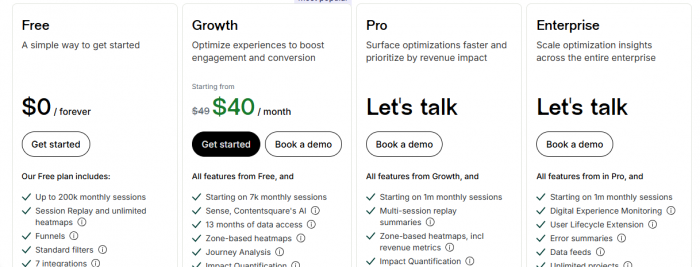
Pricing: Free basic plan; paid plans from $40/month
3. Usersnap – Best for Visual Feedback
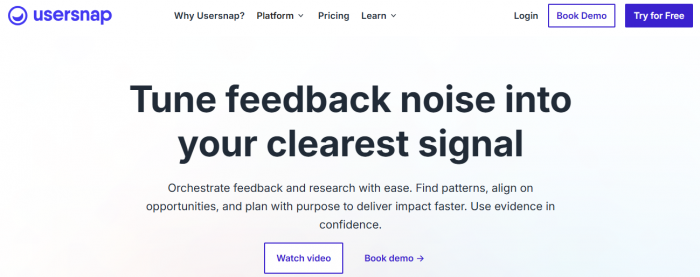
Usersnap allows teams to collect feedback directly from web apps or websites using screenshots, forms, or surveys. It’s perfect for bug reporting and feature requests.
Key Features:
● In-app widget with screenshot and voice support
● Bug tracking with annotations
● Kanban-style boards for feedback
● AI-powered sentiment analysis
Pros: Complete feedback loop, easy setup
Cons: Might be overkill for very small teams
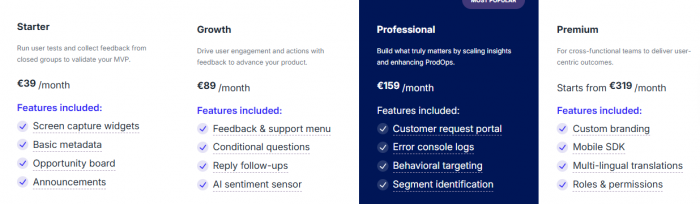
Pricing: Free plan for up to 20 feedback items; paid plans $45.58–$372.72/month
4. FullStory – Best for Customer Experience Insights
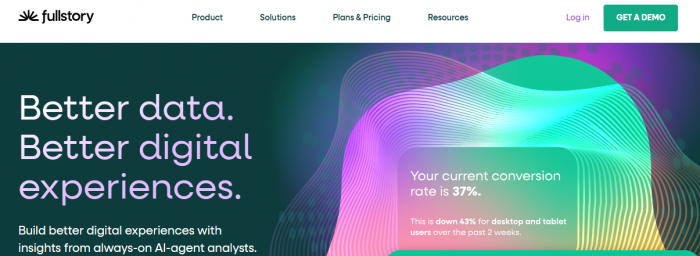
FullStory provides deep insights into user behavior, letting teams see exactly how users interact with websites and apps.
Key Features:
● Session replays and heatmaps
● Funnels and conversion tracking
● AI insights with StoryAI
● Customer journey analysis
Pros: Excellent for behavioral analytics and UX optimization
Cons: Not a direct survey tool for qualitative feedback
Pricing: Free plan available; custom pricing for larger teams
5. SurveyMonkey – Best Survey Platform
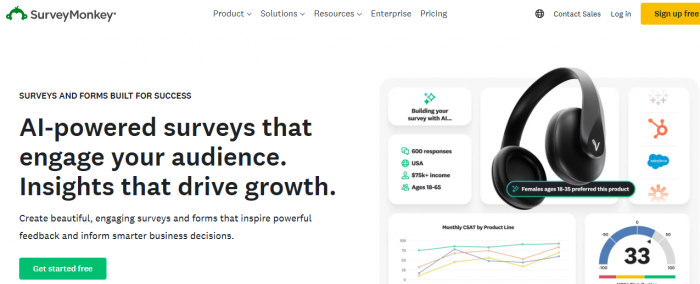
SurveyMonkey is a classic tool for collecting quantitative and qualitative feedback. It’s versatile, AI-enhanced, and integrates with hundreds of apps.
Key Features:
● AI-powered survey builder and 500+ templates
● Advanced logic, branching, and skip options
● Real-time reporting and sentiment analysis
● Multilingual surveys
Pros: Flexible, easy to use, suitable for teams of all sizes
Cons: Advanced features require higher-tier plans
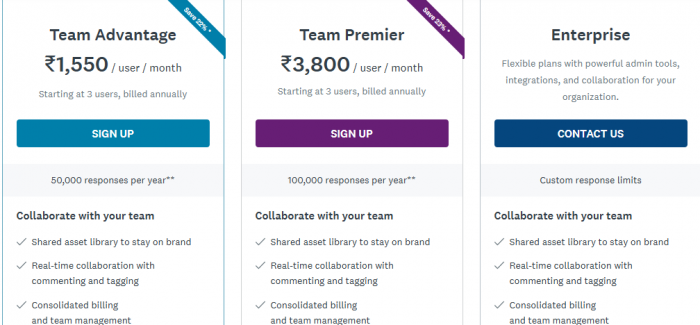
Pricing: Free plan available; paid plans start from $17/user/month
6. Pendo – Best for In-App Product Feedback
Pendo combines product analytics with in-app messaging and surveys, making it perfect for product teams.

Key Features:
● Product usage analytics
● In-app guides, onboarding, and tooltips
● NPS and feedback surveys
● Roadmaps and AI insights
Pros: Tracks user behavior and guides product decisions
Cons: Can be expensive for smaller teams
Pricing: Free plan for up to 500 MAUs; custom pricing for full features
7. Nolt – Best Simple Feedback Board
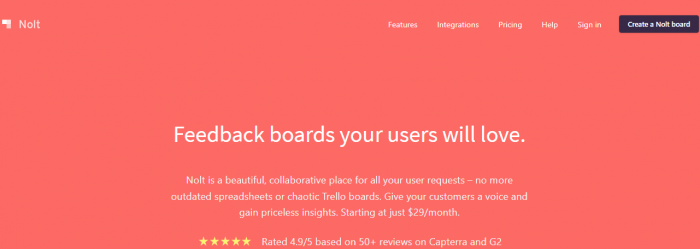
Nolt is a lightweight, fast feedback board for collecting ideas, votes, and suggestions.
Key Features:
● Customizable public or private boards
● Real-time updates and notifications
● Integrations with Slack, Jira, Trello
● Moderation tools
Pros: Quick setup, simple and intuitive
Cons: Limited for complex enterprise workflows
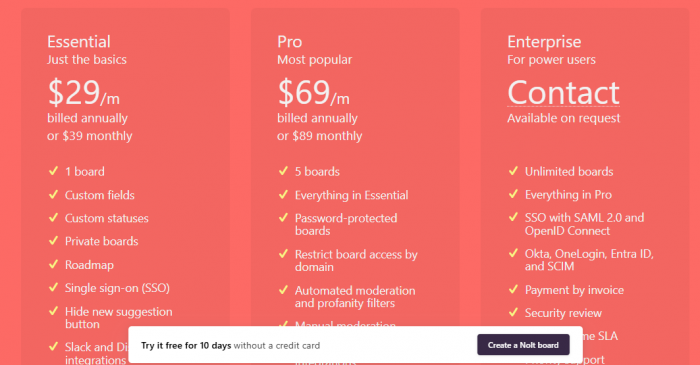
Pricing: $29–$69/month; free 10-day trial
8. Podium – Best for Local Businesses & Reviews
Podium focuses on short, automated surveys and review collections across multiple messaging channels.
Key Features:
● SMS, chat, email, and social messaging
● Automated feedback collection and review requests
● AI-assisted messaging and lead routing
Pros: Great for lead conversion and local business reputation
Cons: Not designed for long-form or complex surveys
Pricing: Custom; three-tier plans based on business needs
9. Qualaroo – Best for Contextual, Real-Time Feedback
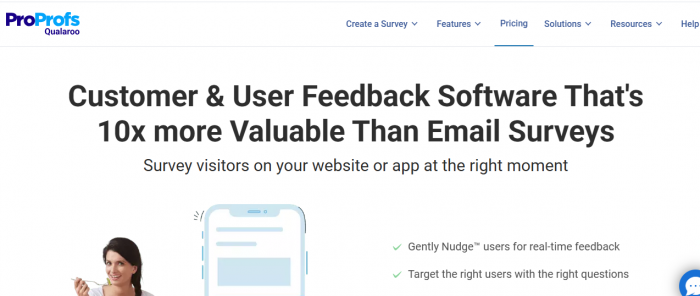
Qualaroo uses on-site Nudges™ to collect feedback while users are actively engaged. AI-powered sentiment analysis helps teams quickly uncover insights.
Key Features:
● Contextual surveys (web, mobile, prototypes)
● AI sentiment analysis
● Targeting by behavior, attributes, or events
● Templates for NPS, CSAT, CES
Pros: Excellent for real-time qualitative insights
Cons: Costs increase with traffic
Pricing: Free plan available; paid plans start at $19.99/month

10. GetFeedback – Best for Salesforce Users
GetFeedback integrates feedback collection with Salesforce, helping teams act on insights immediately.

Key Features:
● Surveys via web, email, SMS, in-app
● Mobile-optimized and branded surveys
● NPS, CSAT, CES templates
● Real-time alerts and Salesforce integration
Pros: Ideal for Salesforce-centric teams
Cons: Pricing not publicly listed; best for mid-to-large businesses
Pricing: 14-day free trial; custom pricing via sales team
How to Choose the Right Feedback Software
1. Define your goals: Collect insights for product, website, or customer service?
2. Consider team size: Some platforms scale better for enterprises.
3. Channel needs: Do you need in-app surveys, website widgets, kiosks, or email?
4. Budget: Free plans exist, but advanced features cost more.
5. Integration requirements: Check compatibility with CRMs, analytics, and help desks.
FAQs
Q: What is customer feedback software?
A: Tools to collect, organize, and act on feedback across multiple channels surveys, bugs, feature requests, and sentiment analysis.
Q: Why automate feedback?
A: Automation ensures consistent collection, faster action, and data-driven decisions without manual work.
Q: What types of feedback can these tools collect?
A: NPS, CSAT, CES, feature requests, bug reports, open-text comments, heatmaps, and session recordings.
Q: Can these tools integrate with other software?
A: Yes—most integrate with CRMs like Salesforce, communication platforms like Slack, help desks like Zendesk, and data tools like Google Sheets.
Post Comments
Be the first to post comment!
Related Articles