Home > Category > Bonitasoft
Bonitasoft

Bonitasoft

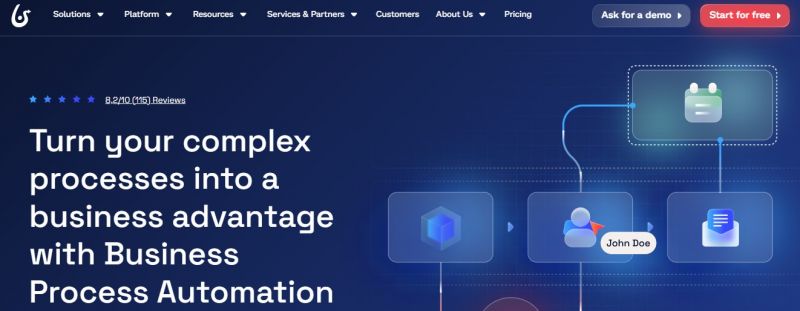
Streamline complex processes with Business Process Automation

Bonitasoft Overview

Bonita enables building process-driven applications that connect systems through drag-and-drop workflows and an extensive connector library. The platform includes Bonita Studio for designing processes, data models, and forms on a whiteboard, along with UI Designer for application pages. Bonita Runtime handles execution with a BPM engine, portal for task management, and monitoring tools for analytics and real-time insights. Separation between visual programming and coding supports development and deployment across environments.

More About Bonitasoft

Core Use Cases:

  • Workflow and business process automation
  • Application development with embedded process logic
  • Cross-system orchestration and process integration
  • Real-time process monitoring and optimization
  • Rapid development with low-code tools
  • Visual process modeling with BPMN 2.0 support
  • End-to-end process automation (design → execute → monitor → optimize)
  • Drag-and-drop low-code development tools
  • Rich connector library for system integration

Pros & Cons

Pros:

Good balance of power and simplicity overall

Single module covers data, forms, and processes

Strong BPMN 2.0 support for process design

Flexible engine–UI separation for custom frontends

Cons:

Process modeler UI not very intuitive

Version control and collaboration feel difficult

Java BPM engine less adaptable for heavy‑demand apps
Company

Bonitasoft

Contact

Headquarter

France

Follow Us

Bonitasoft Features

Low-code/drag-and-drop tooling Open-source community edition Rich system connectors Real-time analytics & dashboards Flexible deployment choices

Bonitasoft Demo & Screenshots

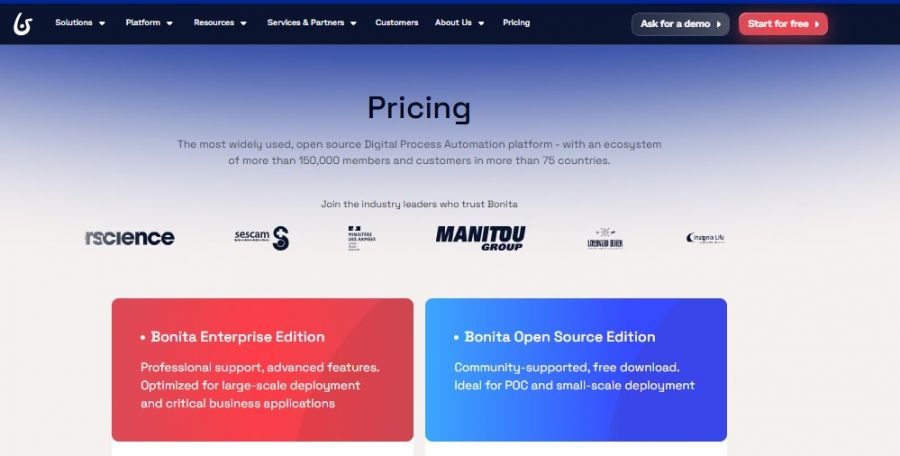
Bonitasoft Pricing

Bonitasoft Pricing Screenshot

*Price last updated on Jan 27, 2026. Visit bonitasoft.com's pricing page for the latest pricing.

Bonitasoft Reviews

Bonitasoft Category

Bonitasoft Alternatives