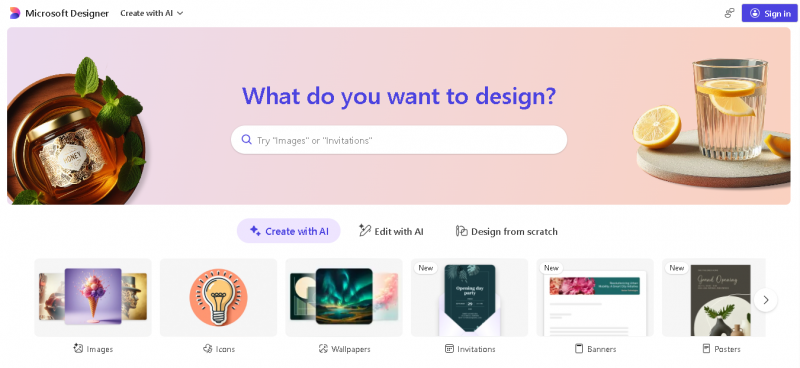
Microsoft Designer is an AI-driven graphic design and image editing application that enables users to create visual content quickly and with minimal experience. Users can describe what they want to create and the tool generates custom visuals such as social media posts, invitations and graphics using generative models. Designer also includes editing tools for photos and layouts and integrates with Microsoft 365 applications so designs can be embedded directly into email messages, documents, slides and notes.
How It Works
Microsoft Designer operates as a cloud based creative canvas. Users start with a blank design or a prompt describing their idea. The tool uses generative AI to produce multiple visual options. Users can select and refine these outputs, edit images by removing backgrounds or enhancing details, add text and shapes, and adjust layout and colors. Designer supports resizing for different use cases and creation of brand kits to maintain a consistent visual identity across projects. Designer is available through a browser and accessible to personal Microsoft account holders.
Key Use Cases and Applications
Generates custom visuals from simple text prompts
Easy to use for beginners with little design experience
Includes editing tools for image refinement
Integrates with Microsoft 365 apps enabling use in documents and presentations
Offers free access with basic credits
Free plan has monthly credits which may limit frequent creation
Lack of bulk management tools for generated assets
Browser tool flexibility and feature availability can vary
Feature availability and performance depend on Microsoft account and region
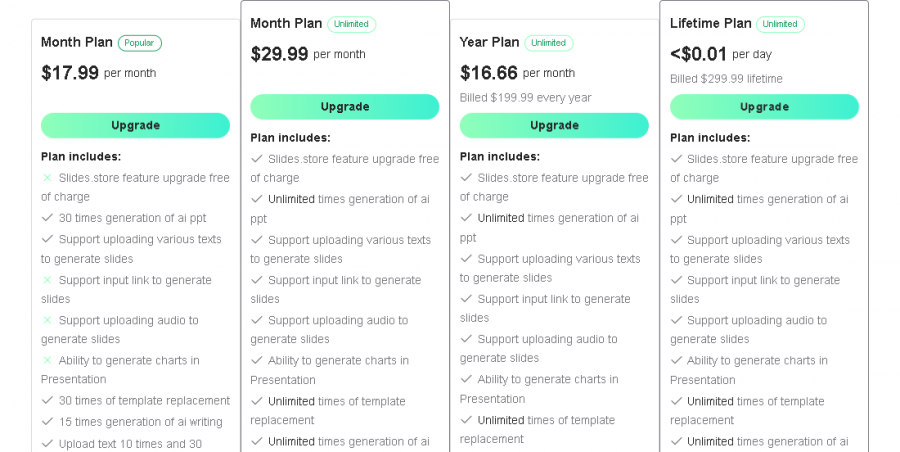
*Price last updated on Jan 6, 2026. Visit designer.microsoft.com's pricing page for the latest pricing.