
Home > Category > MyMap AI
MyMap AI

MyMap AI

Free AI Concept Map Maker: Create in Seconds - MyMap.AI

MyMap AI Overview

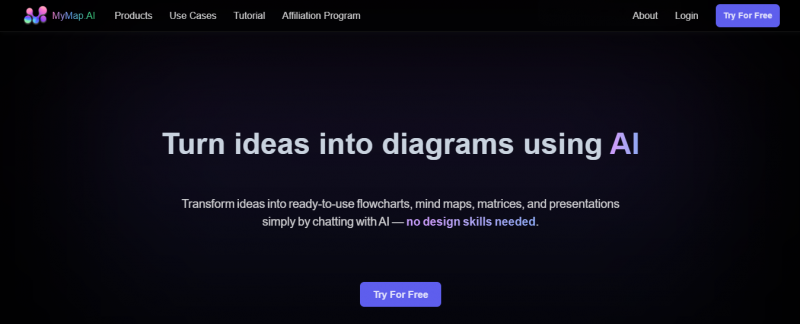
MyMap AI enables users to create concept maps, mind maps, flowcharts, presentations, and roadmaps through a chat interface. Users input ideas, topics, or upload files, and the AI generates structured visuals. It analyzes content, adjusts layouts with prompts, incorporates web search from Google and Bing, and extracts information from URLs. Maps support real-time collaboration and export as PNG, PDF, or shareable links. The tool processes multiple file formats without manual drawing.

More About MyMap AI

Core Strengths:

  • Generates flowcharts, mind maps, matrices, and presentations from simple chat input.
  • Supports uploads of multiple file types for context-based diagram creation.
  • Integrates real-time web search for context-rich outputs.
  • Allows team collaboration on the same diagram simultaneously.
  • Exports visual content as PNG or PDF or via public shareable links.

How It Works:

  • Input Ideas or Files — Start by chatting with the AI or uploading text, notes, PDFs, or links.
  • AI Diagram Creation — The platform analyzes input to generate visual diagrams like mind maps or flowcharts.
  • Refine Output — Users can refine and customize visuals through additional prompts.
  • Collaborate & Export — Teams can edit in real time and export as images, PDFs, or share links.

Pros & Cons

Pros:

Significantly reduces time to create diagrams

Requires no design skills due to chat interface

Supports wide range of input formats and outputs

Enhances team productivity with real-time collaboration

Cons:

Requires internet access for full functionality

Customization options limited compared to traditional tools

Initial learning curve for chat-based interface
Company

MyMap AI

Contact

N/A

Headquarter

N/A

MyMap AI Demo & Screenshots

MyMap AI Pricing

Pricing yet to be updated!

MyMap AI Reviews

MyMap AI Category

MyMap AI Alternatives