
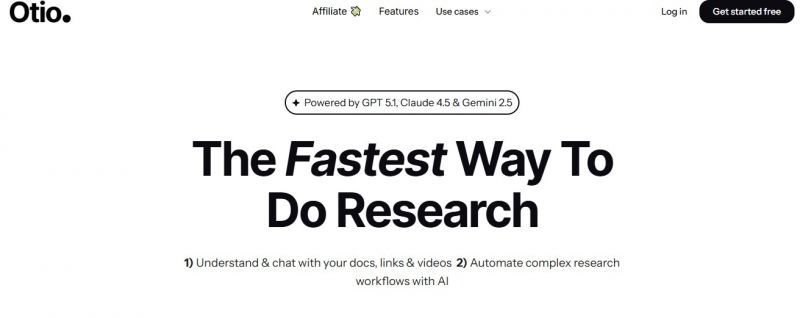
Otio enables importing sources such as PDFs, Word documents, blog links, and YouTube videos. It generates summaries and supports chatting with documents to extract insights. The platform provides an AI text-editor for outlining, drafting, editing, and paraphrasing grounded in user sources. Automations builder handles repetitive workflows. It accesses latest AI models, supports 50+ languages, automatic tagging, and works with long-form content.
Users save content into Otio from the web or uploads. The AI processes this material to generate summaries, answer questions, and assist with writing tasks using the saved sources as context. This allows users to work directly from their collected research rather than starting from a blank page
Summaries cut research from hours to minutes
Canvas workspace feels intuitive whiteboard‑like
Low hallucination rate when prompts refined
Free tier generous for casual researchers
No offline mode for flights, outages
Learning curve for advanced canvas and Q&A
Pricing yet to be updated!