
PicWish enables everything from background removal and object edits to image enhancement and restoration through an intuitive online interface. The platform works on web browsers and across desktop and mobile apps
• Removes image backgrounds automatically in just a few seconds.
• Enhances image clarity and detail to improve overall quality.
• Eliminates unwanted elements with object removal features.
• Restores old or low‑quality photos with AI restoration tools.
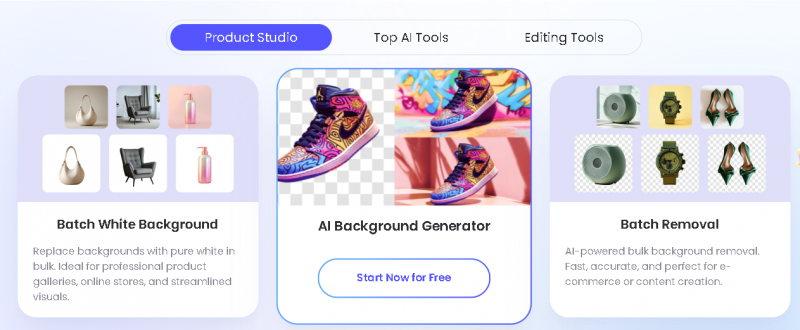
• Supports AI‑generated backgrounds for product and creative shots.
• Converts images between popular formats effortlessly.
• Processes batches of up to 30 images at once.
• Includes OCR extraction and creative text‑to‑image presets.
• E‑commerce: Creating professional product photos.
• Content creation: Social media visuals and marketing assets.
• Photography: Enhancing portraits and landscapes.
• Restoration: Repairing old or damaged images.
• Document preparation: ID photos and graphic design edits.
Easy background removal and image cleanup
Simple interface suitable for beginners
Useful for product and profile images
Fast processing with minimal setup
Supports batch image editing
Quality may vary on complex backgrounds
Not designed for professional photo retouching

*Price last updated on Feb 25, 2026. Visit picwish.com's pricing page for the latest pricing.