Home > Category > UXPin AI
UXPin AI

UXPin AI

Faster Prototyping with AI Component Creation

UXPin AI Overview

UXPin is a UX/UI design and prototyping tool that lets teams create interactive, realistic prototypes and design systems in one place. It supports drag‑and‑drop design, logic/animation, collaboration, and integrates design with development workflows. UXPin works well for product designers, teams, and agencies who need high‑fidelity prototypes before building real apps or websites.

More About UXPin AI

Key Features of UXPin AI:

  • AI-assisted UI layout and component generation
  • Interactive, high-fidelity prototyping without code
  • Design system management with reusable components
  • Real-time collaboration for design and product teams
  • Advanced accessibility and usability validation tools
  • Integration with development workflows and handoff tools

Good for:

UX/UI designers, product teams, agencies, and developers.

Pros & Cons

Pros:

Powerful for high‑fidelity prototypes and interactive designs.

Great collaboration and sharing options for teams.

Design systems & reusable components improve consistency.

Works in browser + Windows/Mac apps.

Cons:

steep learning curve for new users.

Can be slow or laggy on complex projects.

Some users report bugs and instability.
Company

UXPin AI

Contact

Not publicly listed

Headquarter

44 Montgomery St, STE 300, San Francisco, CA, USA

Follow Us

UXPin AI Features

Creates realistic interactive prototypes with logic Strong focus on design system consistency AI assistance reduces repetitive design work Improves alignment between designers and developers Ideal for complex and enterprise-level products

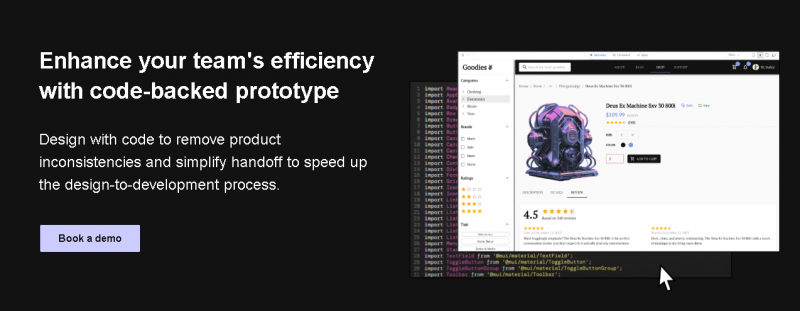
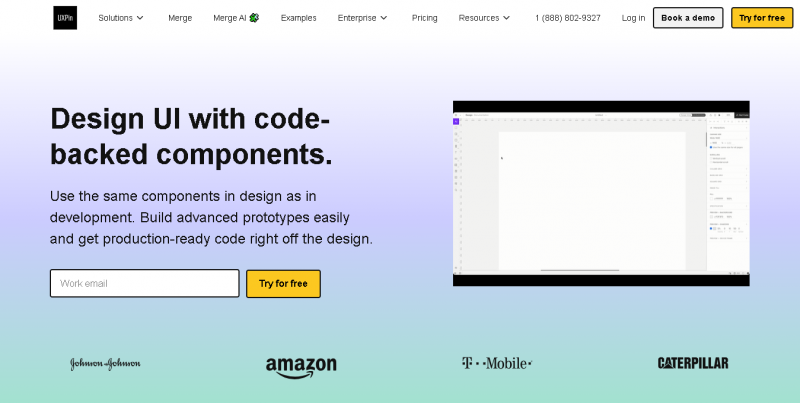
UXPin AI Demo & Screenshots

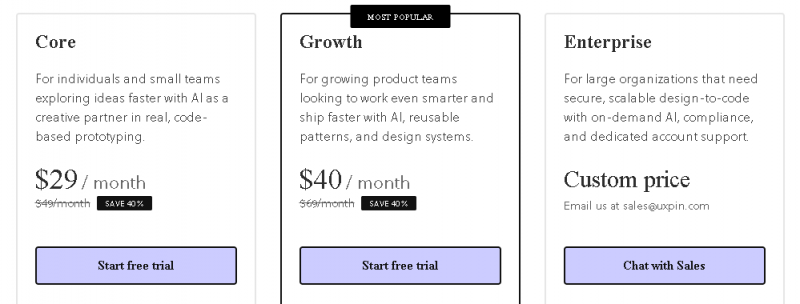
UXPin AI Pricing

UXPin AI Pricing Screenshot

*Price last updated on Jan 23, 2026. Visit uxpin.com's pricing page for the latest pricing.

UXPin AI Reviews

UXPin AI Category