
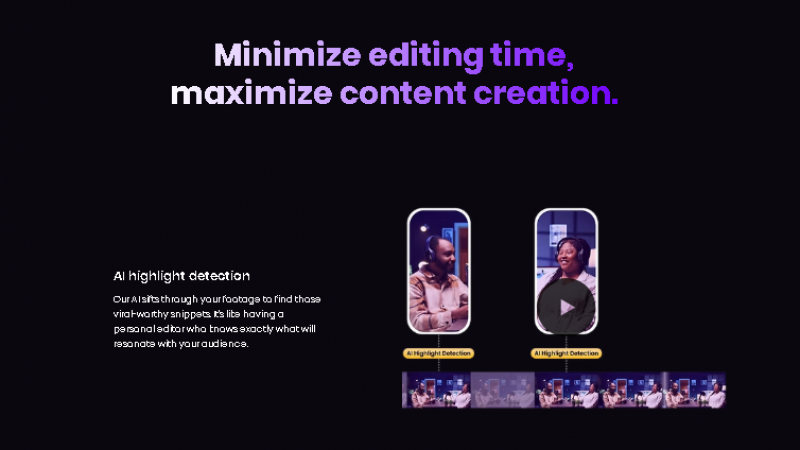
Wisecut is an AI-powered video editing tool designed for creators, marketers, and educators. It automatically removes silent parts, detects key moments, and generates captions and translations. Using a storyboard-based workflow, it simplifies editing by letting users adjust scenes via text rather than complex timelines. Wisecut also includes tools like social media format adaptation and audio enhancements. By streamlining repetitive tasks, it helps users create professional, engaging videos quickly and consistently.
Key Features & Their Value
Problem-Solving
Wisecut reduces the effort needed to edit videos by automating cutting, captioning, and audio cleanup. It helps users save time and produce consistent results without technical editing skills.
Industry-Specific Use
Wisecut works well for content creators, educators, and marketing teams. Creators can repurpose long videos into short clips, educators can clean and caption lessons, and marketers can produce video content quickly for campaigns and social media.
Pricing Overview
Automatically trims out long pauses and keeps videos engaging
Saves a lot of editing time with AI‑powered cuts
Smooth transitions that feel natural without manual work
Great for YouTube, Reels, TikTok, and short‑form content
Includes auto subtitles and audio leveling tools
Easy to use even if you’re not a video editor
Keeps the pacing tight so viewers stay engaged
Helps beginners produce polished videos fast
AI sometimes misses nuanced moments you’d cut manually
Limited control for detailed or artistic edits
Not as powerful as professional editing software
Some features require a paid plan to unlock fully
Works best with well‑shot source footage
Not ideal if you need complex effects or fine‑tuned edits

*Price last updated on Jan 9, 2026. Visit wisecut.ai's pricing page for the latest pricing.